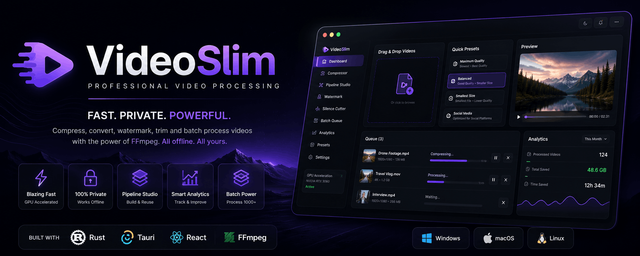
Compress • Watermark • Cut Silence • Convert • Automate
Built with Rust, Tauri v2, React, and FFmpeg


A modern desktop application for high-performance video processing without the complexity of FFmpeg.
VideoSlim is an open-source desktop application designed for creators, developers, educators, and professionals who need to process videos quickly without sacrificing quality.
Instead of remembering complex FFmpeg commands, VideoSlim provides a beautiful native interface while keeping the full power of FFmpeg under the hood.
Everything happens locally.
No uploads.
No subscriptions.
No cloud processing.
Your videos never leave your computer.



| Feature | Status |
|---|---|
| Smart Video Compression | ✅ |
| Batch Processing | ✅ |
| Pipeline Studio | ✅ |
| Image Watermarks | ✅ |
| Text Watermarks | ✅ |
| Silent Cutter | ✅ |
| Audio Removal | ✅ |
| GIF Creator | ✅ |
| Intro & Outro Support | ✅ |
| H.264 Encoding | ✅ |
| H.265 / HEVC | ✅ |
| AV1 Encoding | ✅ |
| NVIDIA NVENC | ✅ |
| AMD AMF | ✅ |
| Intel QuickSync | ✅ |
| Compression Analytics | ✅ |
| Queue Manager | ✅ |
| Fully Offline | ✅ |
Chain multiple operations into a single workflow.
Videos
   │
   ▼
Watermark
   │
   ▼
Silent Cutter
   │
   ▼
Audio Removal
   │
   ▼
Compression
   │
   ▼
GIF / Export
One click.
No temporary files.
No manual workflow.
Choose the compression level that matches your needs.
- Maximum Quality
- Balanced
- Smallest File
- Social Media Presets
- Custom Bitrate
- Custom CRF
- Resolution Scaling
- FPS Control
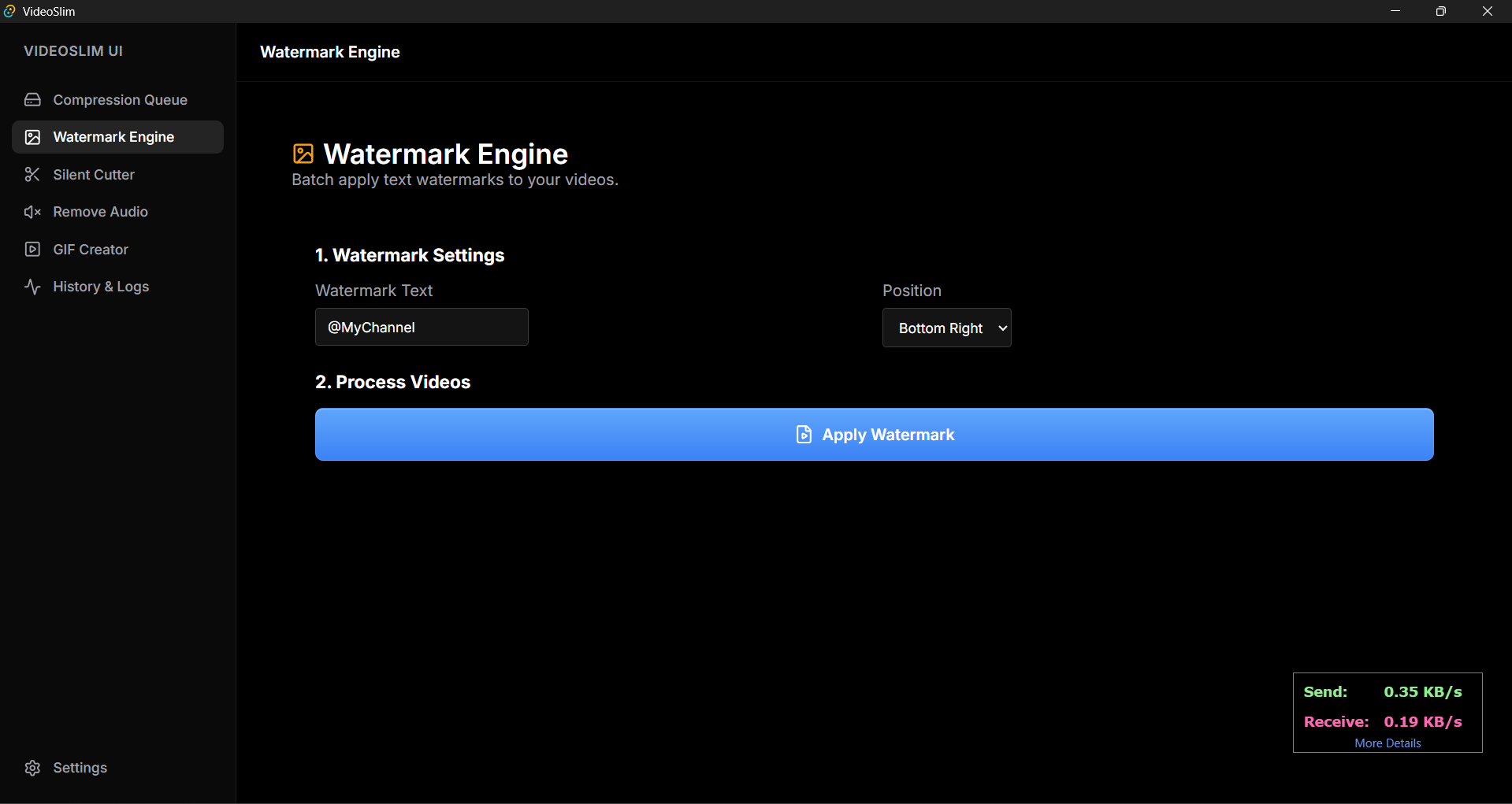
Protect your content with batch watermarking.
- Image Overlay
- Text Overlay
- Live Preview
- Position Control
- Scaling
- Opacity
- Batch Processing
Automatically remove silent sections from videos.
Perfect for:
- Podcasts
- Lectures
- Gaming Videos
- Tutorials
- Screen Recordings
Take advantage of your hardware.
| Encoder | Supported |
|---|---|
| NVIDIA NVENC | ✅ |
| AMD AMF | ✅ |
| Intel QuickSync | ✅ |
| Apple VideoToolbox | ✅ |
| Multi-thread Processing | ✅ |
React + TypeScript
        │
        ▼
     Tauri IPC
        │
        ▼
      Rust Core
        │
        ▼
 FFmpeg Processing Engine
| Technology | Purpose |
|---|---|
| Rust | Native Backend |
| Tauri v2 | Desktop Framework |
| React | User Interface |
| TypeScript | Frontend Logic |
| FFmpeg | Video Processing |
| Vite | Build System |
Download the latest release.
VideoSlim-Setup.exe
Run the installer.
Launch the application.
Start processing videos.
No additional dependencies required.
Clone the repository
git clone https://github.com/AlguevaraSec/VideoSlim.gitEnter the project
cd VideoSlim/guiInstall dependencies
npm installRun development mode
npm run tauri devCreate a production build
npm run tauri build- Smart Compression
- Watermark Studio
- Silent Cutter
- Audio Removal
- GIF Creator
- GPU Encoding
- Queue Management
- Pipeline Studio
- Analytics Dashboard
- Native Desktop Application
- AI Compression Suggestions
- Folder Watcher
- Subtitle Burn-in
- Batch Presets
- Scene Detection
- Plugin System
- Automatic Updates
Contributions, ideas, pull requests, and feature requests are always welcome.
If you'd like to improve VideoSlim, feel free to open an issue or submit a pull request.
Released under the MIT License.
See LICENSE for more information.