A browser extension that gives you control over your default search engine, allowing you to quickly switch between several privacy-respecting options.
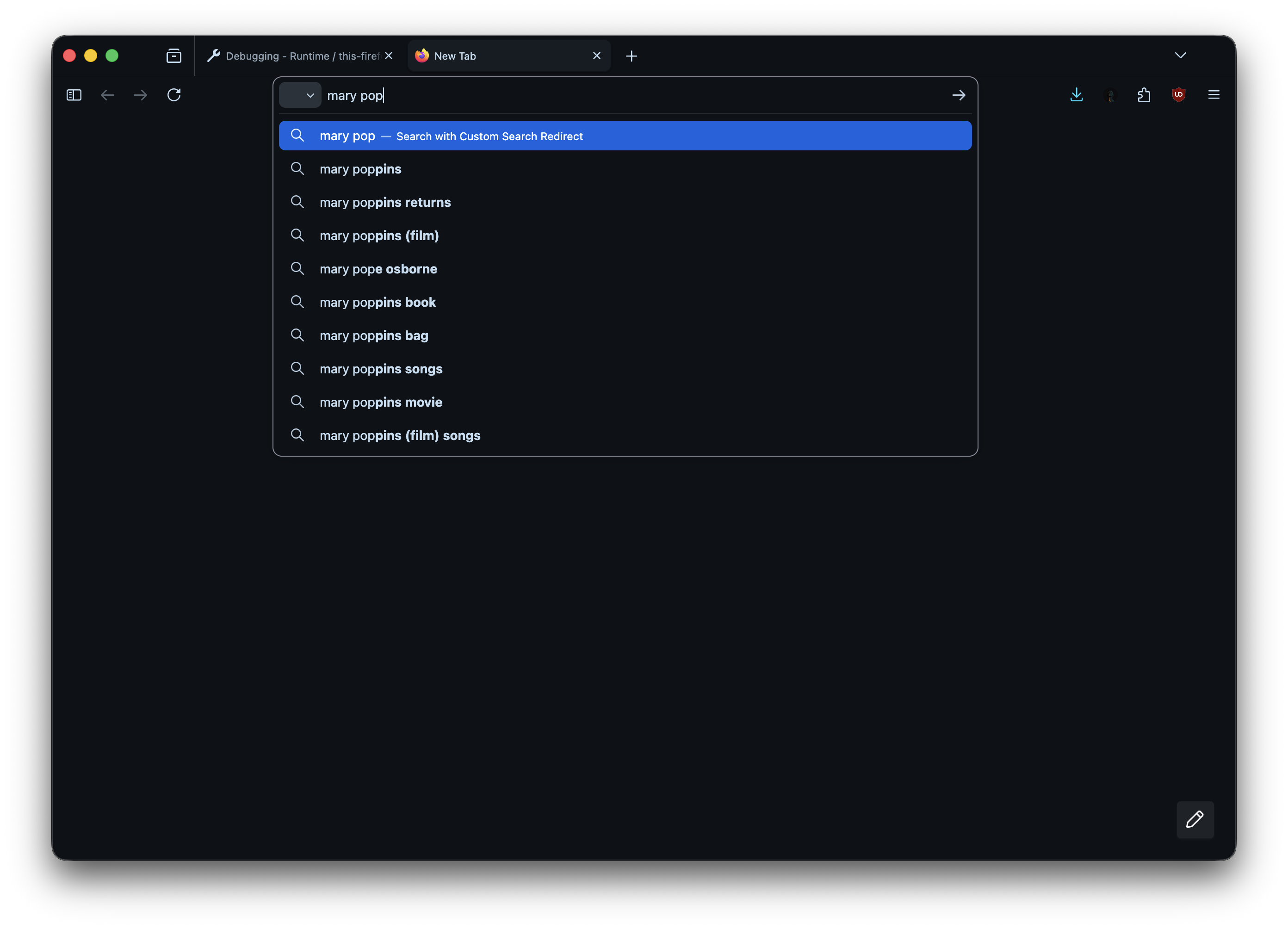
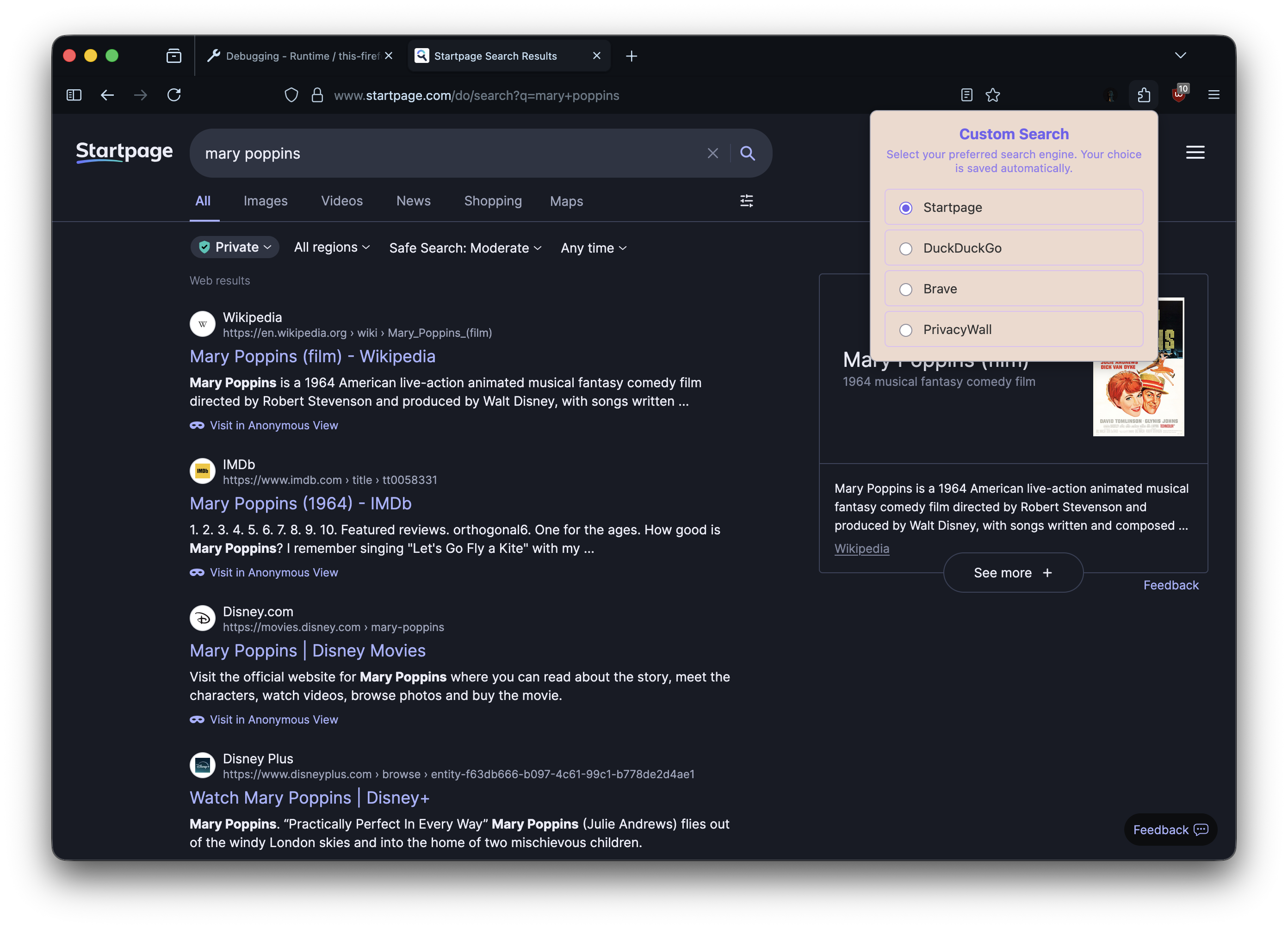
This Firefox WebExtension empowers you to choose your default search engine from a clean, simple dashboard. Instead of being locked into a single choice, you can switch between Startpage, DuckDuckGo, Brave Search, and PrivacyWall with a single click.
The extension works by intercepting your search queries and seamlessly redirecting them to your preferred provider, all while maintaining search suggestions from Google for a consistent and powerful search experience.
- One-Click Switching: Change your default search engine instantly from the extension's popup.
- Privacy-Focused: Includes support for Startpage, DuckDuckGo, Brave, and PrivacyWall.
- Seamless Integration: Works automatically in the background.
- Search Suggestions: Leverages Google's powerful search suggestions.
- Lightweight & Modern UI: A simple and beautiful dashboard.
- Go to the latest release on GitHub (or you can build it yourself).
- Download the
.xpifile. - In Firefox, navigate to
about:addons. - Drag and drop the downloaded
.xpifile into the Add-ons Manager window. - Approve the installation when prompted.
- Clone or download this repository.
- Open Firefox and navigate to
about:debugging#/runtime/this-firefox. - Click the Load Temporary Add-on... button.
- Navigate to the
firefox-extensiondirectory inside the project and select themanifest.jsonfile.
- Click the extension's icon in the Firefox toolbar.
- Select your desired search engine from the popup.
- Your choice is saved automatically and will be used for all future searches from the Firefox search/address bar.
This extension was created and is maintained by DebdootManna.