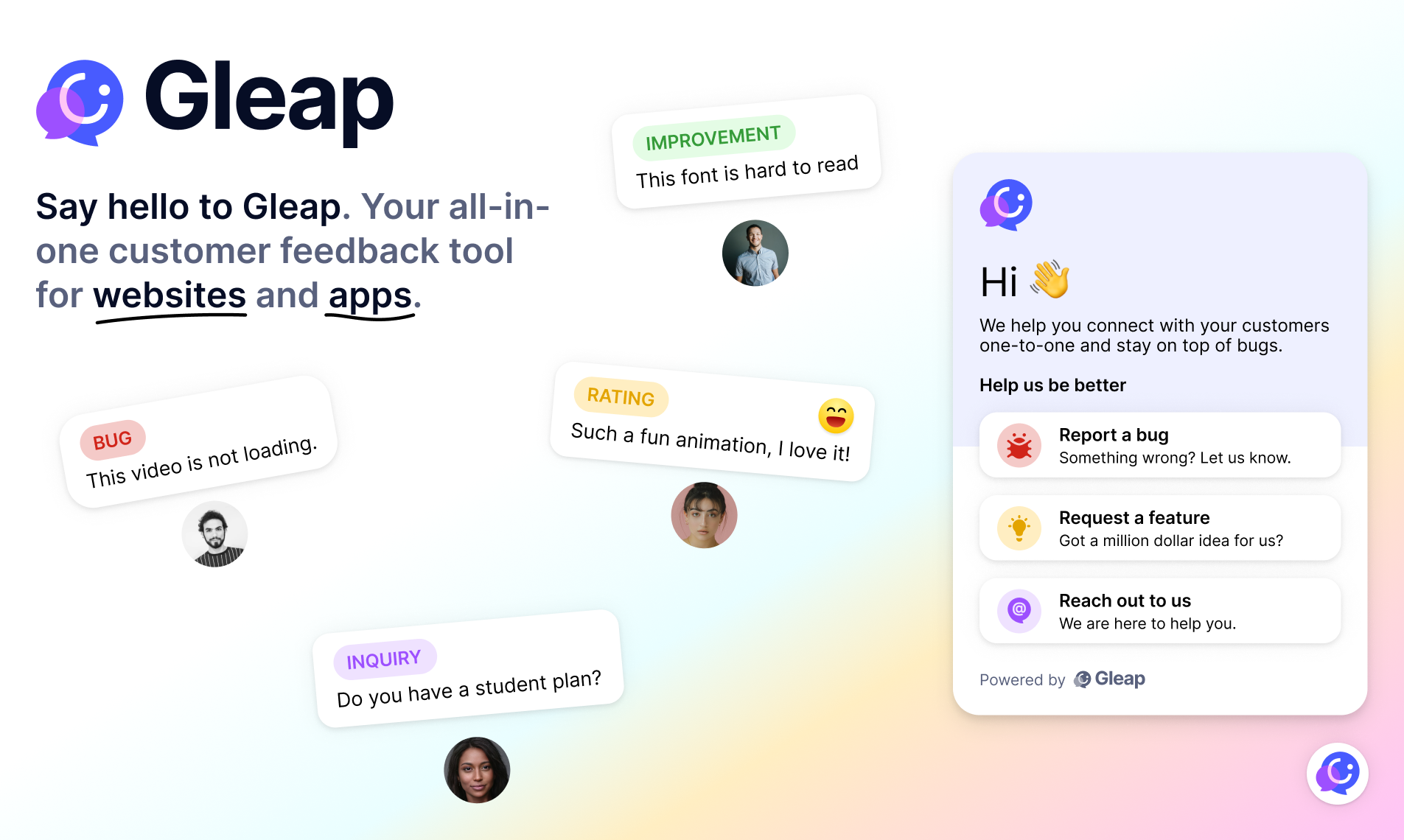
Add AI-native customer support, live chat, in-app bug reporting, a help center and surveys to your React Native apps with Gleap. Gleap is an Intercom alternative for software teams that connects customer conversations and feedback with product development.
SDK documentation · Website · Plans and pricing
npm install react-native-gleapsdk// Import the SDK
import Gleap from "react-native-gleapsdk";
// Initialize it
Gleap.initialize('YOUR_API_KEY');Gleap projects are hosted in the EU by default. If your project lives in the US region, set the region before calling initialize:
Gleap.setRegion("us"); // "eu" (default) | "us"
Gleap.initialize('YOUR_API_KEY');
setRegion sets the API, websocket and realtime hosts at once. For dedicated servers you can still override a single host afterwards with setApiUrl, setWSApiUrl or setRealtimeHost.
With every ticket the SDK sends env data (device model, OS version, screen size, locale, battery state, …), shown under the Env data tab in Gleap. Leave out individual keys or stop collecting env data entirely:
Gleap.setEnvDataPropsToIgnore(['deviceName', 'batteryLevel']);
Gleap.setDisableEnvData(true);
Both can be called at any time and apply to the next ticket. Each setEnvDataPropsToIgnore call replaces the previous list, an empty array resets it. setDisableEnvData(false) turns the collection back on.
Checkout our full documentation or contact us - we are always here to help 👋.