A PowerShell application with a graphical interface that lets you code-sign files using Set-AuthenticodeSignature.
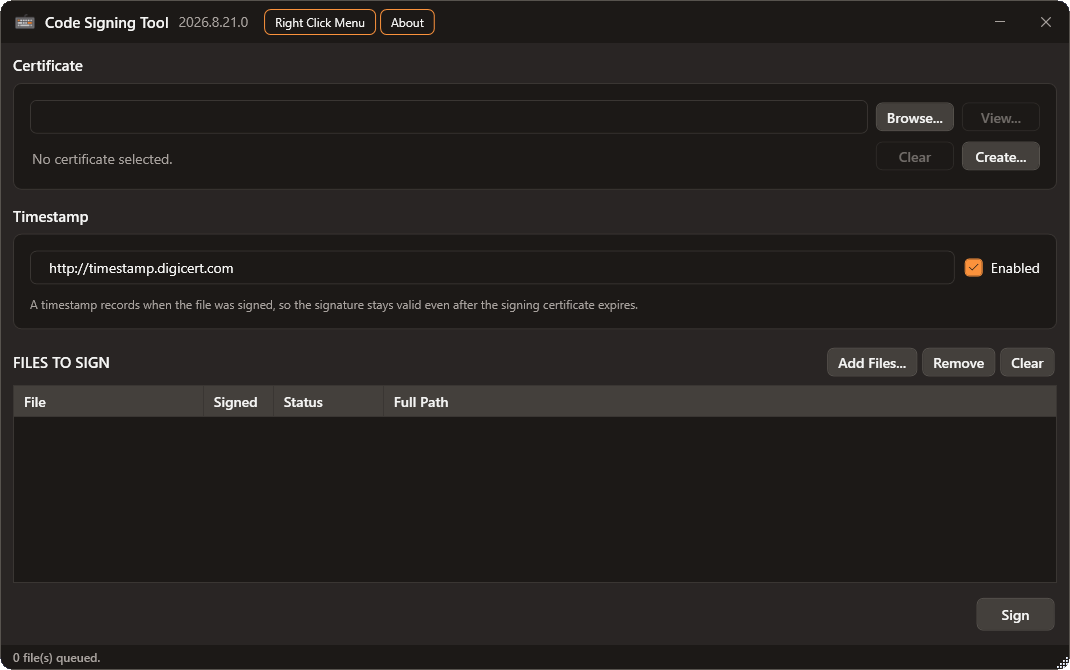
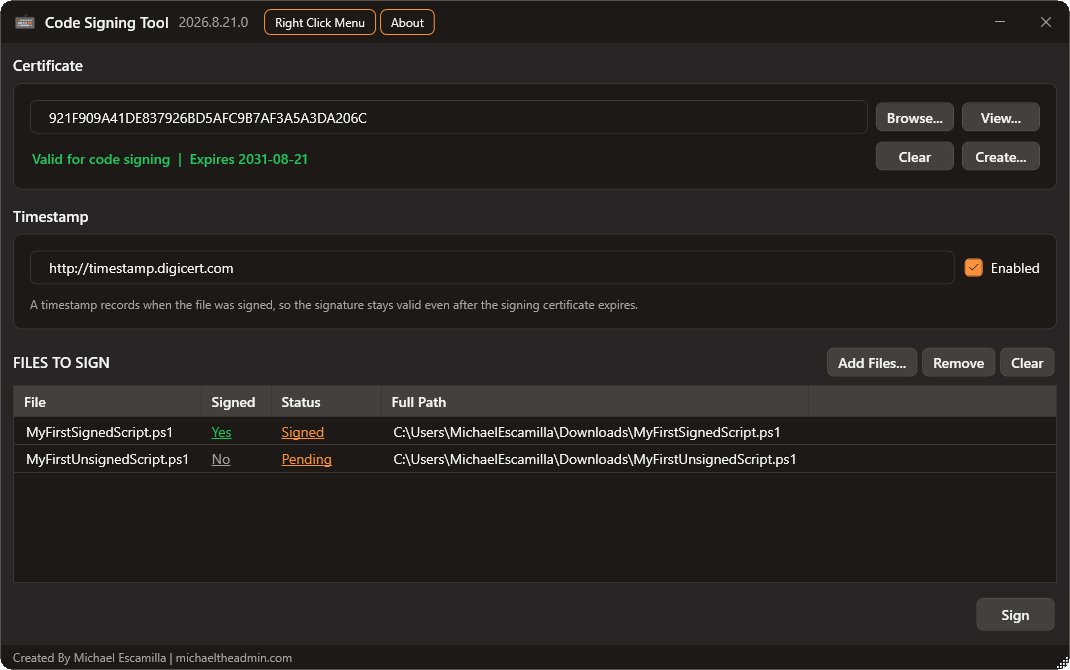
- Sign files with a code-signing certificate from your CurrentUser or LocalMachine personal store.
- Select a certificate through a picker that shows the Friendly Name, thumbprint, and overall certificate chain trust result.
- Create a self-signed code-signing certificate (subject, validity, key length, target store, non-exportable key).
- Add a timestamp so signatures stay valid after the signing certificate expires (default server
http://timestamp.digicert.com). - View an existing file's signature details, including whether it is timestamped and by which authority.
- Install a "Sign with Code Signing Tool" Windows Explorer right-click menu for supported file types.
- Relaunch elevated with Run as Administrator, keeping your loaded files, thumbprint, and timestamp server.
- Automatic and manual checks for newer releases on GitHub.
The right-click menu registers these signable extensions:
.exe, .dll, .sys, .ocx, .cpl, .efi, .msi, .msp, .cab, .cat, .ps1, .psm1, .psd1, .ps1xml, .cdxml, .vbs, .js, .wsf, .appx, .appxbundle, .msix, .msixbundle
- Windows (the UI is built on WPF).
- PowerShell 7.4+ is preferred; the tool falls back to Windows PowerShell when needed.
Run the script directly:
.\CodeSigningTool.ps1Optional parameters pre-fill the UI:
| Parameter | Description |
|---|---|
-Path |
One or more file paths to load for signing (alias: -FilePath). |
-Thumbprint |
Thumbprint of the certificate to pre-select. |
-TimestampServer |
Timestamp server URL to use. |
Example:
.\CodeSigningTool.ps1 -Path 'C:\Scripts\MyScript.ps1' -Thumbprint 'ABCD...1234' -TimestampServer 'http://timestamp.digicert.com'