One-click CouchDB deployment for Obsidian LiveSync on Coolify
✨ Ready-to-Deploy on Coolify
This repository contains a production-ready CouchDB setup specifically configured for Obsidian LiveSync. Deploy your own private note synchronization server in minutes using Coolify with Docker, complete with SSL, health checks, and CORS configuration.
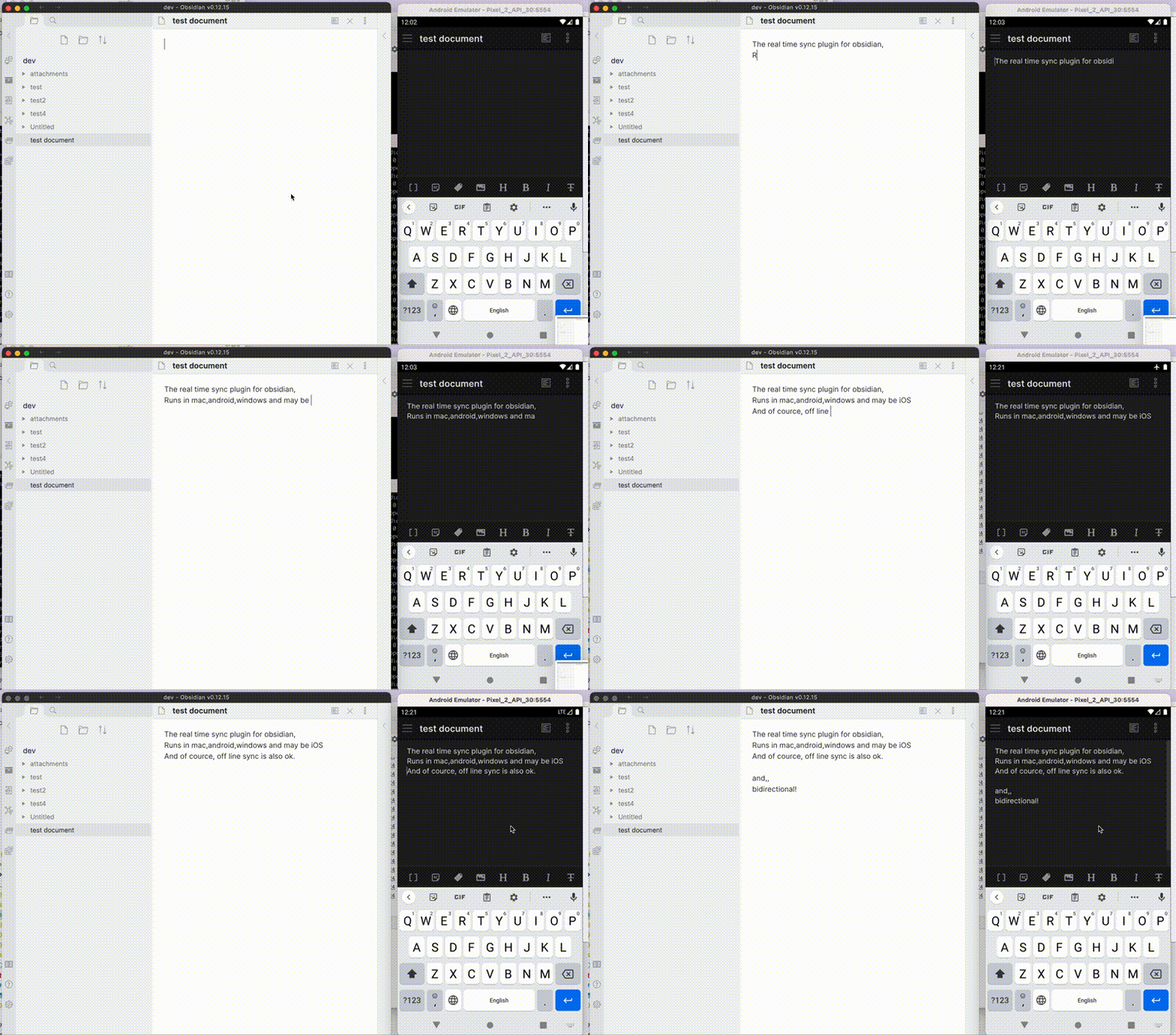
Self-hosted LiveSync is a community-developed synchronisation plug-in available on all Obsidian-compatible platforms. It leverages robust server solutions such as CouchDB or object storage systems (e.g., MinIO, S3, R2, etc.) to ensure reliable data synchronisation.
Additionally, it supports peer-to-peer synchronisation using WebRTC now (experimental), enabling you to synchronise your notes directly between devices without relying on a server.
Important
This plug-in is not compatible with the official "Obsidian Sync" and cannot synchronise with it.
- Synchronise vaults efficiently with minimal traffic.
- Handle conflicting modifications effectively.
- Automatically merge simple conflicts.
- Use open-source solutions for the server.
- Compatible solutions are supported.
- Support end-to-end encryption.
- Synchronise settings, snippets, themes, and plug-ins via Customisation Sync (Beta) or Hidden File Sync.
- Enable WebRTC peer-to-peer synchronisation without requiring a
host(Experimental).- This feature is still in the experimental stage. Please exercise caution when using it.
- WebRTC is a peer-to-peer synchronisation method, so at least one device must be online to synchronise.
- Instead of keeping your device online as a stable peer, you can use two pseudo-peers:
- livesync-serverpeer: A pseudo-client running on the server for receiving and sending data between devices.
- webpeer: A pseudo-client for receiving and sending data between devices.
- A pre-built instance is available at fancy-syncing.vrtmrz.net/webpeer (hosted on the vrtmrz blog site). This is also peer-to-peer. Feel free to use it.
- For more information, refer to the English explanatory article or the Japanese explanatory article.
This plug-in may be particularly useful for researchers, engineers, and developers who need to keep their notes fully self-hosted for security reasons. It is also suitable for anyone seeking the peace of mind that comes with knowing their notes remain entirely private.
Important
- Before installing or upgrading this plug-in, please back up your vault.
- Do not enable this plug-in alongside another synchronisation solution at the same time (including iCloud and Obsidian Sync).
- For backups, we also provide a plug-in called Differential ZIP Backup.
Complete step-by-step guide for Coolify deployment
-
Fork this repository to your GitHub account
-
Create new project in Coolify:
- Choose "Git Repository"
- Connect your forked repository
- Branch:
main - Build Pack: Select "Dockerfile" (important!)
- Port:
5984
-
Set environment variables:
COUCHDB_USER=admin COUCHDB_PASSWORD=your_secure_password_here -
Configure domain:
- Add your custom domain or use Coolify's provided domain
- SSL will be automatically configured
-
Deploy:
- Click "Deploy"
- Wait for build to complete (2-3 minutes)
- Health check should pass
-
Install Plugin:
- Obsidian Settings → Community plugins
- Search "Self-hosted LiveSync"
- Install and Enable
-
Setup Connection:
- Remote Database URI:
https://your-domain.com - Username:
admin(or your COUCHDB_USER) - Password: Your secure password
- Database name:
obsidian-livesync
- Remote Database URI:
-
Test & Setup:
- Click "Test Database Connection"
- If successful → Click "Setup"
- Enable LiveSync and start syncing!
Repeat Step 2 on each device using the same connection details.
✅ Pro Tips:
- Use a strong password for COUCHDB_PASSWORD
- Enable end-to-end encryption in plugin settings
- Your data stays on your server - complete privacy!
Alternative deployment option
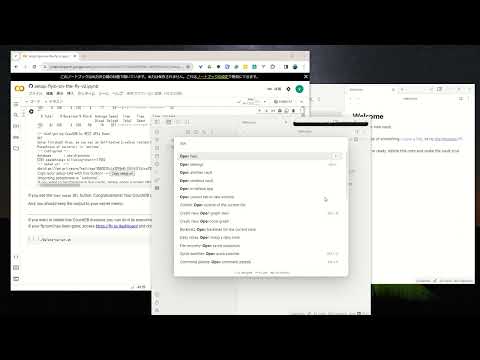
- Setup CouchDB on fly.io
- Configure plug-in in Quick Setup
- Setup the server
- Configure plug-in in Quick Setup
Tip
Fly.io is no longer free. Fortunately, despite some issues, we can still use IBM Cloudant. Refer to Setup IBM Cloudant. And also, we can use peer-to-peer synchronisation without a server. Or very cheap Object Storage -- Cloudflare R2 can be used for free. HOWEVER, most importantly, we can use the server that we trust. Therefore, please set up your own server. CouchDB can be run on a Raspberry Pi. (But please be careful about the security of your server).
Synchronization status is shown in the status bar with the following icons.
- Activity Indicator
- 📲 Network request
- Status
- ⏹️ Stopped
- 💤 LiveSync enabled. Waiting for changes
- ⚡️ Synchronization in progress
- ⚠ An error occurred
- Statistical indicator
- ↑ Uploaded chunks and metadata
- ↓ Downloaded chunks and metadata
- Progress indicator
- 📥 Unprocessed transferred items
- 📄 Working database operation
- 💾 Working write storage processes
- ⏳ Working read storage processes
- 🛫 Pending read storage processes
- 📬 Batched read storage processes
- ⚙️ Working or pending storage processes of hidden files
- 🧩 Waiting chunks
- 🔌 Working Customisation items (Configuration, snippets, and plug-ins)
To prevent file and database corruption, please wait to stop Obsidian until all progress indicators have disappeared as possible (The plugin will also try to resume, though). Especially in case of if you have deleted or renamed files.
This repository includes production-ready files for seamless Coolify deployment:
Dockerfile- Production CouchDB 3.4.2 with authentication and CORSdocker-compose.yml- Complete orchestration with persistent volumesnixpacks.toml- Forces Coolify to use Dockerfile instead of auto-detection.dockerignore- Optimized build context (excludes unnecessary files)
local.ini- Pre-configured for Obsidian LiveSync with:- Single-node setup
- Authentication enabled
- CORS headers for Obsidian app compatibility
- Large document support (50MB)
- Optimized for sync performance
.env.example- Template with secure defaults- Environment variables:
COUCHDB_USER,COUCHDB_PASSWORD - Automatic SSL/TLS via Coolify reverse proxy
✅ Plug & Play - Works immediately after deployment
✅ Secure - Authentication required, HTTPS enabled
✅ Optimized - Health checks, persistent storage, performance tuned
✅ Compatible - Full Obsidian LiveSync feature support
Common Issues:
-
Build fails with "npm ci" error:
- Ensure Build Pack is set to "Dockerfile" not "Nixpacks"
- Check if
nixpacks.tomlis present in repository
-
Health check fails:
- Wait 2-3 minutes for CouchDB initialization
- Verify COUCHDB_USER and COUCHDB_PASSWORD are set
- Check logs for any startup errors
-
Connection refused from Obsidian:
- Verify domain SSL certificate is valid
- Test:
curl https://your-domain.com/_upshould return JSON - Check CORS settings in
local.ini
If you are having problems getting the plugin working see: Tips and Troubleshooting.
The project has been in continual progress and harmony thanks to:
- Many Contributors.
- Many GitHub Sponsors.
- JetBrains Community Programs / Support for Open-Source Projects.

May those who have contributed be honoured and remembered for their kindness and generosity.
Licensed under the MIT License.