
Website · Docs · Discord · Roadmap















Translations: Français · Deutsch · 简体中文 · 日本語 · Русский · עברית · 한국어 · Español · Português · Türkçe · Tiếng Việt · Italiano
PipesHub is the open-source Context Layer for Enterprise AI. Connect enterprise knowledge across your organization, preserve access permissions, generate trustworthy citations, and build AI agents, enterprise search, RAG applications, MCP servers, and agentic workflows on a single governed context layer.
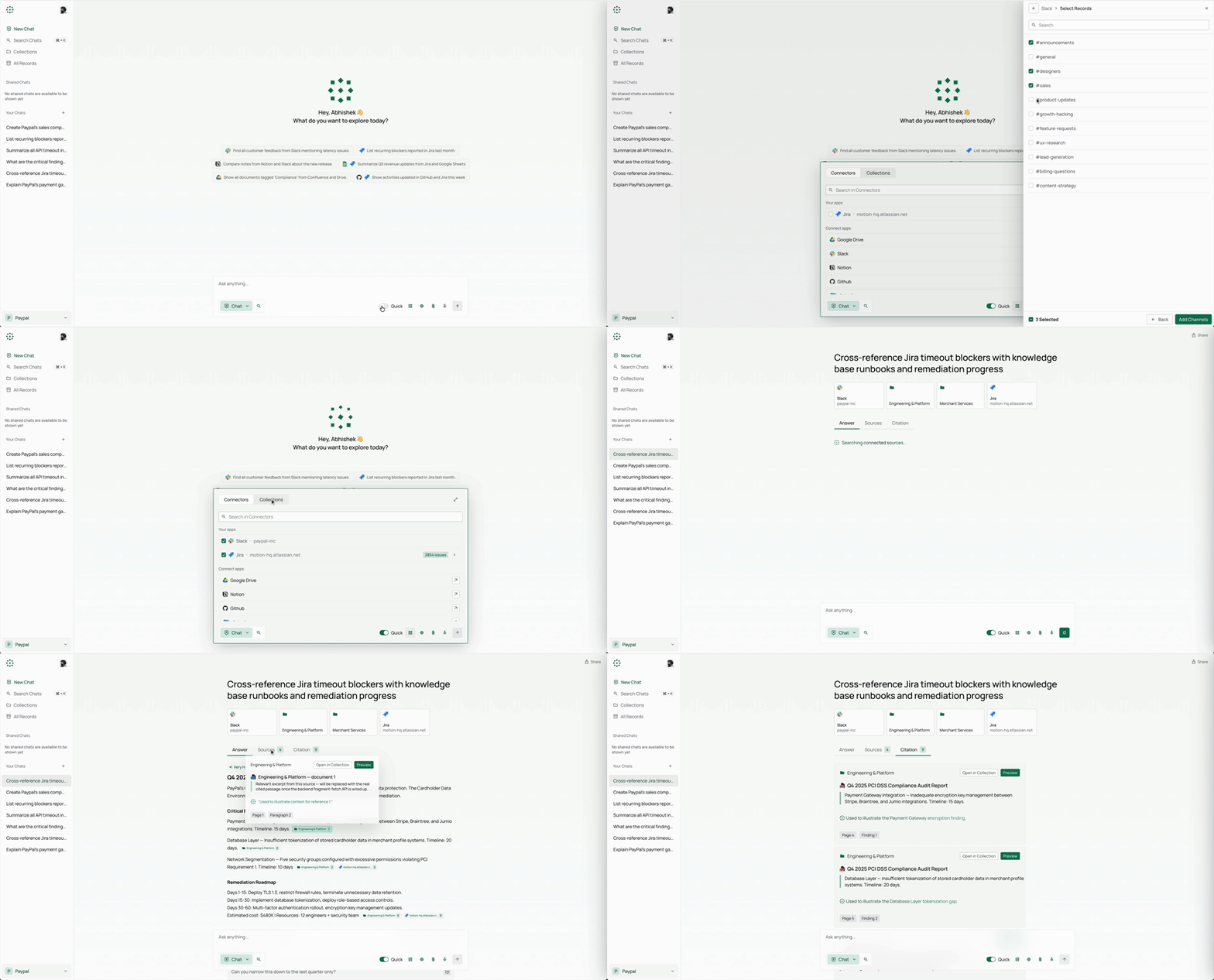
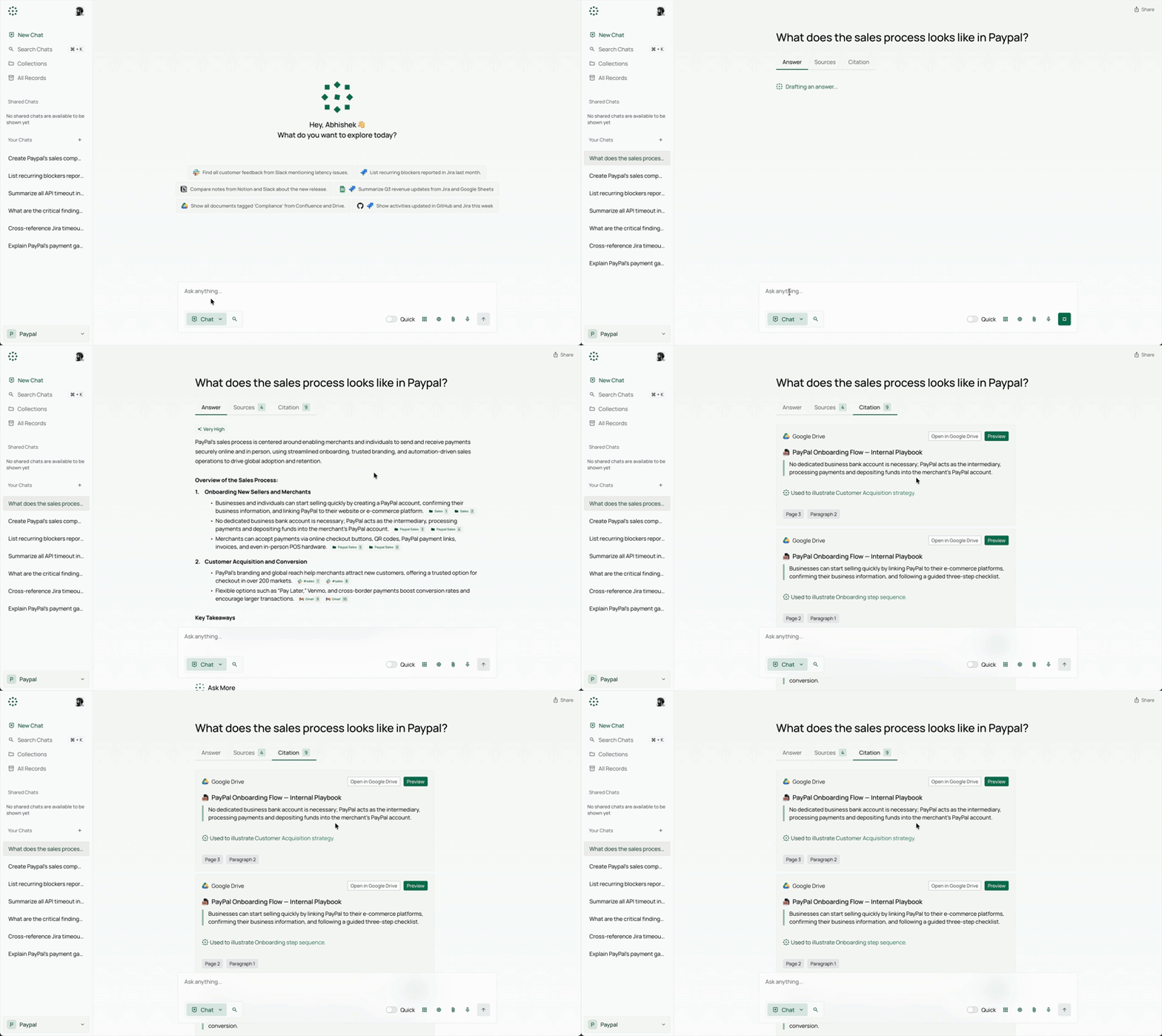
- 📝 Explainable Answers: PipesHub delivers grounded answers with precise block citations to the original documents.
- 🔒 Permission-Aware Search: Enforces source-level access controls so users only see what they're authorized to.
- 🕸️ Knowledge Graph Retrieval: Graph-backed retrieval that captures relationships across enterprise data.
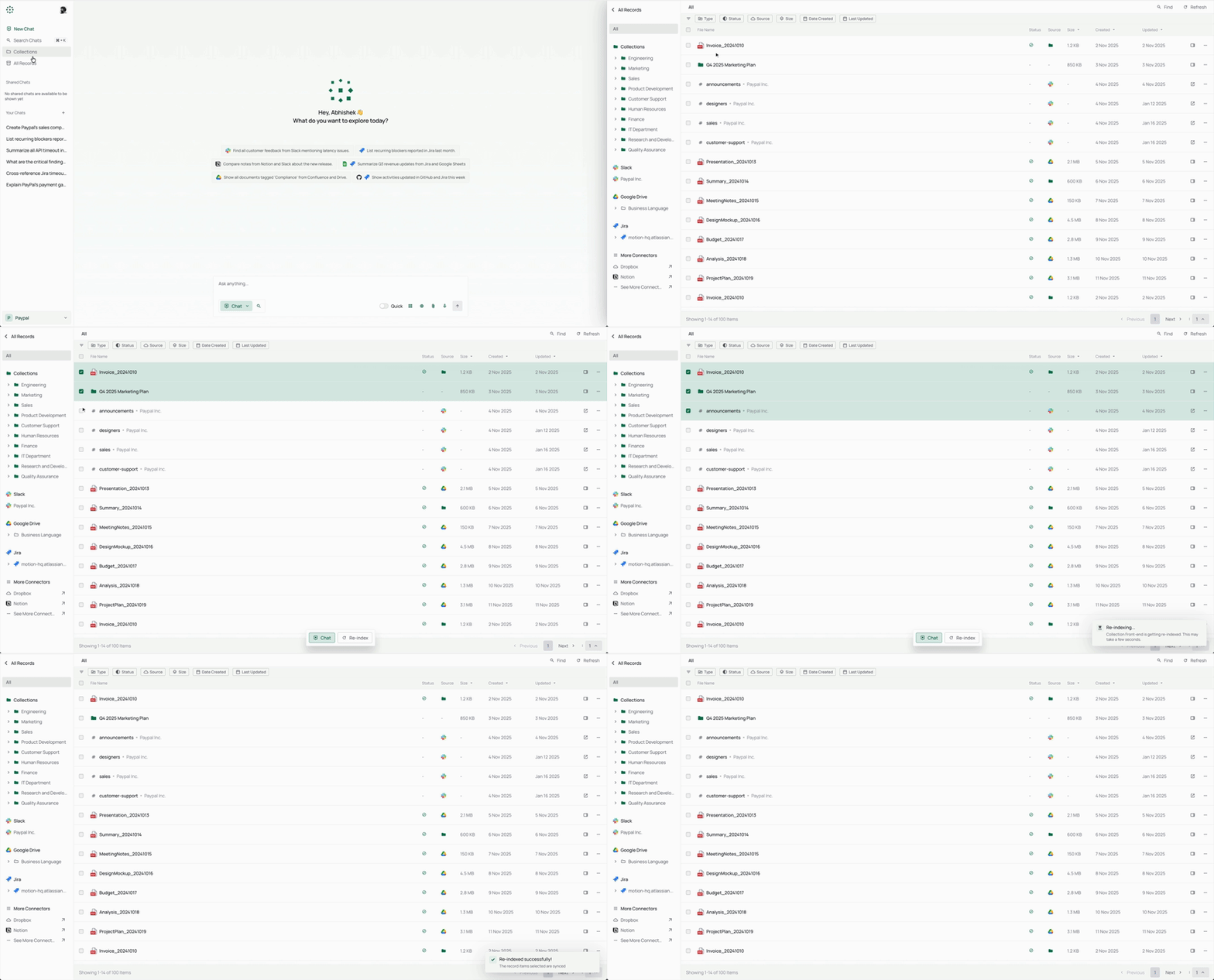
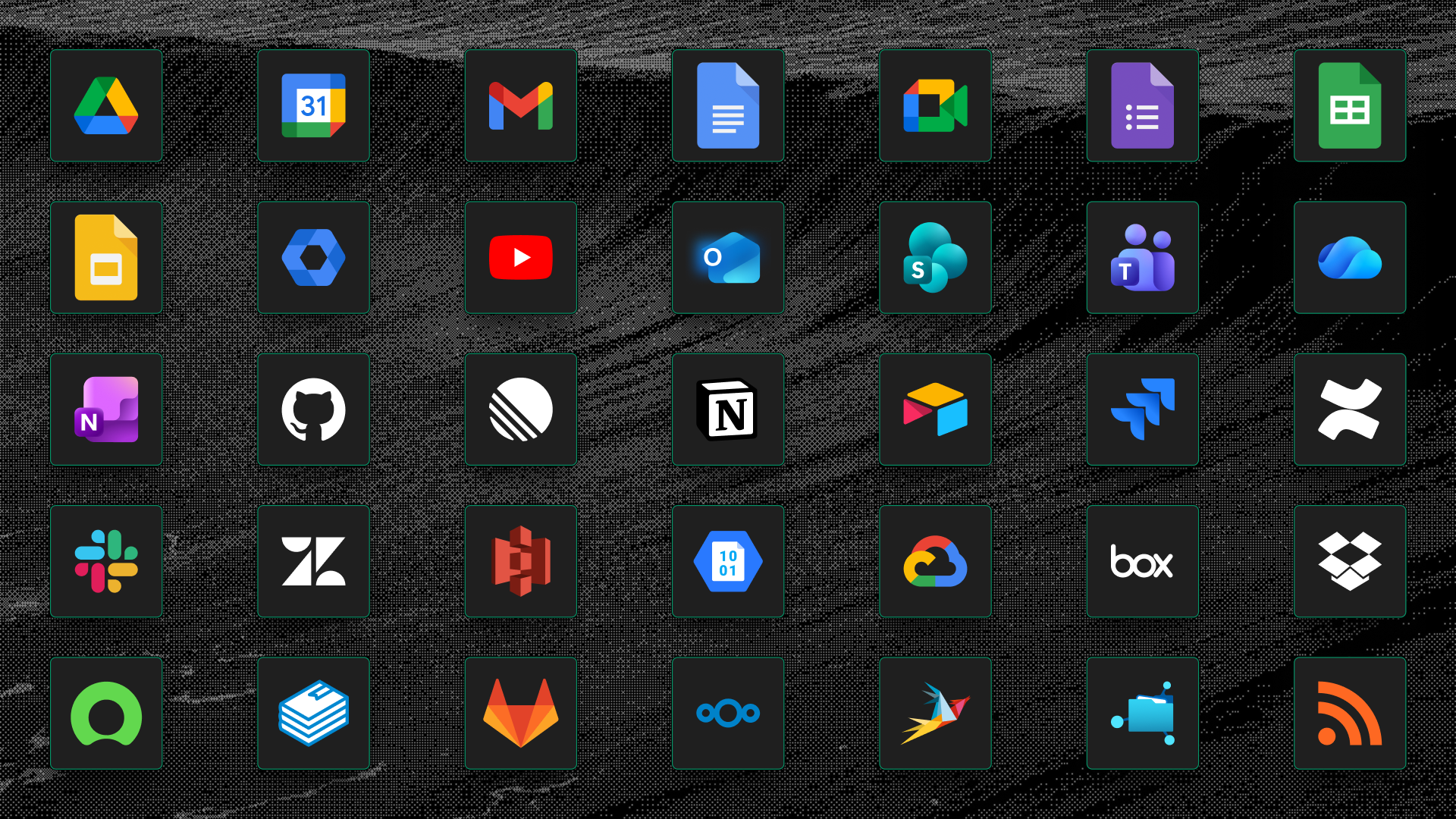
- 🔌 Enterprise Connectors: 50+ connectors with real-time and scheduled indexing out of the box.
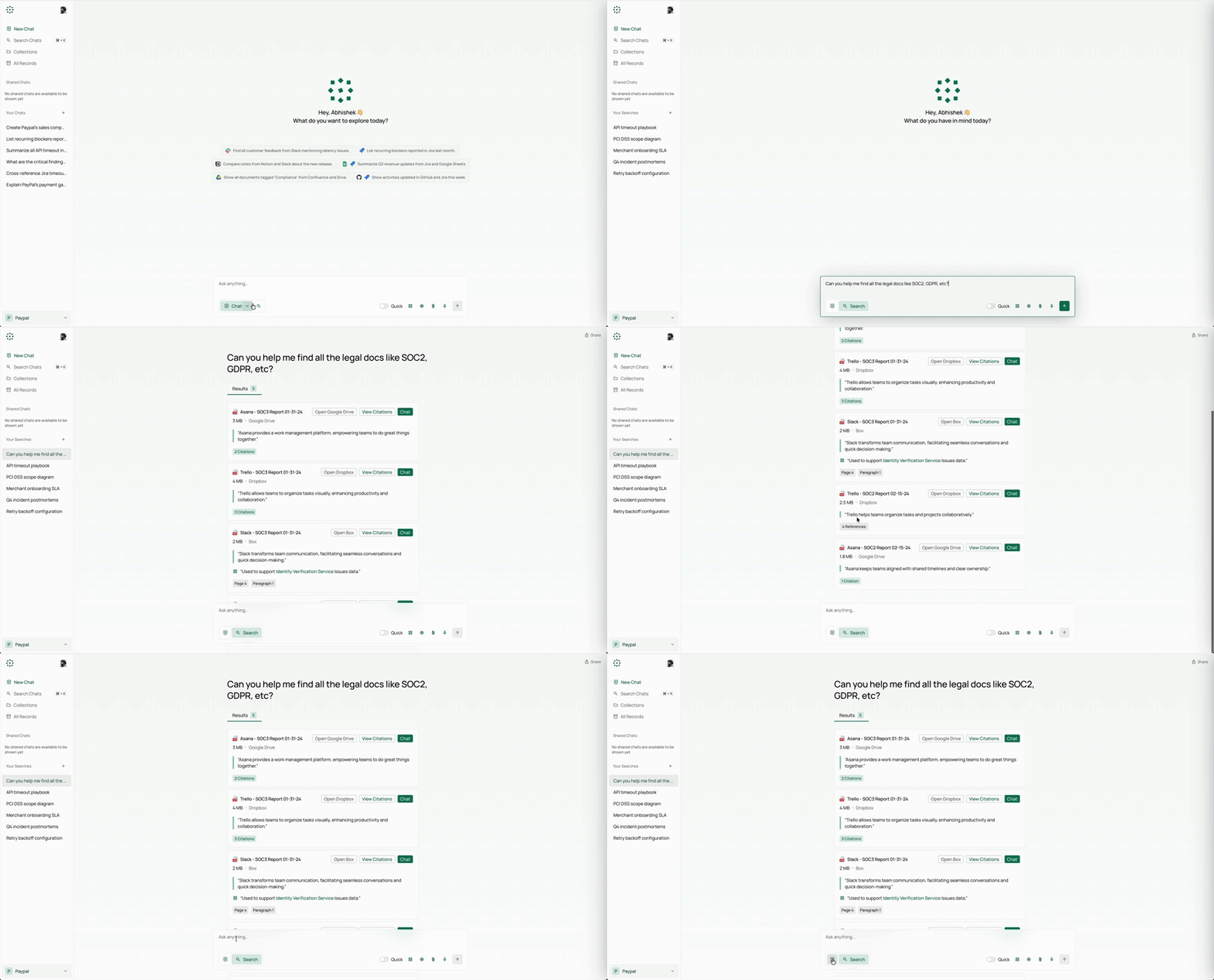
- 🔍 Unified Search, Deep Research, and Agents: Search, Q&A, deep research, web search, and AI agents on one context layer.
- 📊 Artifacts and Code Execution: Generate reports, charts, and dashboards in a safe execution sandbox.
- 🎙️ Multimodal Support: Image, diagram, and scanned-file understanding plus voice-based interaction.
- 🤖 No-Code Agents and Actions: Build agents visually and execute actions across enterprise tools.
- 🧠 Bring Your Own Model, Fully Self-Hostable: Any LLM provider, deployed in your VPC — data never leaves your infrastructure.
- 🛠️ Developer-First and Extensible: APIs, SDKs, MCP tools, custom connectors, and independently scalable services.
Prefer a fully managed PipesHub without running your own infrastructure? PipesHub Cloud is coming soon.
👉 Join the Cloud Waitlist to get early access.
| Format | Details |
|---|---|
| Including scanned PDFs | |
| Docx / Doc | Microsoft Word |
| XLSX / XLS | Microsoft Excel |
| PPTX / PPT | Microsoft PowerPoint |
| CSV | Comma-separated values |
| Markdown | .md files |
| HTML | Web pages |
| Text | Plain text files |
| Google Docs, Sheets, Slides | Google Workspace formats |
| Images | PNG, JPG, etc. |
| Audio | Audio files (Coming Soon) |
| Video | Video files (Coming Soon) |
| Technology | Description |
|---|---|
| Next.js | App Router UI (client-rendered React) |
| TypeScript | Strongly typed JavaScript superset |
| Radix UI Themes | Accessible component primitives and styling |
| Zod | Schema validation and parsing |
| React Hook Form | Flexible form state management |
| Category | Technologies |
|---|---|
| GraphDB | Neo4j / ArangoDB |
| VectorDB | Qdrant / OpenSearch / Redis |
| Document Store | MongoDB |
| Blob Storage | Local filesystem / S3 / Azure Blob |
| Message Broker | Kafka / Redis Streams |
| Cache | Redis |
| KV Store | Redis / etcd |
| Task Queue | Celery |
| Web Framework | FastAPI |
| LLM Interface | LangChain (multi-provider model access) |
| Embeddings | sentence-transformers / fastembed |
| Document Parsing | pdfplumber, selectolax, markdown-it, openpyxl, csv (default) — or Docling, opt-in via PARSER_BACKEND |
| Document Conversion | LibreOffice, CairoSVG |
| Data Analysis | pandas |
PipesHub can be run locally or deployed on any server using Docker Compose. The interactive installer handles all configuration — including secrets, graph DB, broker, and image tag selection — and generates a .env for you.
HTTPS on cloud servers: If you deploy PipesHub on a cloud server, use an HTTPS endpoint. Browsers block certain requests over plain HTTP. Use Cloudflare, Nginx, or Traefik to terminate TLS. A white screen after HTTP-only deployment is typically caused by this restriction.
Requires Docker with Compose v2.
# 1. Clone the repository
git clone https://github.com/pipeshub-ai/pipeshub-ai.git
cd pipeshub-ai/deployment/docker-compose

# 2. Run the interactive installer
./install.sh
The installer will:
- Check Docker, RAM, and disk prerequisites
- Ask whether you want a slim or full deployment
- Let you optionally customise the graph DB, message broker, and KV store
- Generate randomised secrets and write a
.envfile - Pull images and start the stack
- Wait for PipesHub to pass its health check and print the URL
Open http://localhost:3000 once the installer completes.
| Flag | Description |
|---|---|
-y / --yes |
Accept all defaults; skip interactive prompts (CI-friendly) |
--version TAG |
Pin a specific image tag, e.g. --version 0.7.0 |
--reconfigure |
Re-run the wizard and overwrite an existing .env |
--print-env-only |
Write .env and print the compose command without starting containers |
Advanced options: CI environment variables, slim vs. full deployment types, manual Compose profile usage, and local source builds are covered in Advanced Deployment Options.
Use PipesHub with any MCP-compatible client to bring your enterprise context into AI workflows. Check the README for setup and usage.
Repository: pipeshub-ai/mcp-server
First, mint a long-lived credential: workspace → Developer settings → Personal Access Tokens → New token. Pick an expiry (30/90/365 days, or never) — this runs as you, so results respect your own per-user permissions, unlike an OAuth app's client-credentials flow.
Three ways to connect, from least to most setup:
- Attach in the Omnigent web UI (fastest, no clone). Open a session's
info panel → Manage MCP Servers → add PipesHub's URL and an
Authorization: Bearer <token>header → restart the session. - Run the packaged example agent. A ready-made agent bundle (tuned
prompt + instructions) ships with Omnigent:
PIPESHUB_MCP_URL=... PIPESHUB_MCP_TOKEN=... omnigent run examples/pipeshub/. - Use the connect kit in
integrations/omnigent/(setup.sh/run.sh) for CI, service accounts, or password/OAuth client-credentials auth instead of a personal token.
PipesHub provides developer SDKs for Python, TypeScript, and Go to help you integrate quickly. Check the respective SDK repository README for setup and usage details.
| Name | Description | Link |
|---|---|---|
| Python SDK | Python SDK for PipesHub | pipeshub-ai/pipeshub-sdk-python |
| TypeScript SDK | TypeScript SDK for PipesHub | pipeshub-ai/pipeshub-sdk-typescript |
| Go SDK | Go SDK for PipesHub | pipeshub-ai/pipeshub-sdk-go |
Need an SDK in another language? Reach out to us at developer@pipeshub.com
We ship in the open. Here's what's done and what's next:
- ✅ 🤖 Workplace AI agents: first-class no-code agent builder
- ✅ 🔗 MCP (Model Context Protocol) support, both server and client
- ✅ 🧰 Developers SDKs
- ✅ 🔍 Code search across GitHub, GitLab, and Bitbucket
- ⬜ 👤 Personalized search based on team, role, and history
- ✅ ☸️ Production Kubernetes deployment with HA defaults
- ⬜ 📈 PageRank-augmented relevance across the knowledge graph
👉 View the full product roadmap on Notion
Want to join our community of developers? Please check out our Contributing Guide for more details on how to set up the development environment, our coding standards, and the contribution workflow.
| Ask a question or get help | Discord |
| Report a bug or request a feature | GitHub Issues |
| Report a security issue | Report Security Issue |
| Read the docs | Pipeshub Docs |
PipesHub is an open-source, self-hosted AI-native execution layer that connects enterprise knowledge, delivers explainable search with citations, and automates workflows across your systems. It provides a unified context layer for search, Q&A, deep research, web search, and AI agents.
PipesHub is fully open-source (Apache 2.0) and self-hostable — your data never leaves your infrastructure. It features permission-aware search that enforces source-level access controls, and delivers explainable answers with precise block citations to original documents.
PipesHub has 50+ enterprise connectors with real-time and scheduled indexing. It supports file formats like PDF, Docx, XLSX, PPTX, CSV, Markdown, HTML, Google Docs/Sheets/Slides, images, audio, and video.
# Clone the repository
git clone https://github.com/pipeshub-ai/pipeshub-ai.git
cd pipeshub-ai/deployment/docker-compose

# Set Environment Variables (refer to env.template)
# Start production deployment
docker compose -f docker-compose.prod.yml -p pipeshub-ai up -d
Note: Use HTTPS for cloud deployments. HTTP may cause frontend security blocks.
PipesHub is "Bring Your Own Model" — you can use any LLM provider. Deploy in your VPC with your preferred models. The tech stack includes LangChain for LLM pipelines and workflows.
PipesHub uses graph-backed retrieval that captures relationships across enterprise data. It uses Neo4j or ArangoDB as graph databases, combined with Qdrant for vector similarity search.
Yes. PipesHub provides an MCP server for integration with any MCP-compatible client. Repository: pipeshub-ai/mcp-server.
PipesHub provides SDKs for:
- Python: pipeshub-ai/pipeshub-sdk-python
- TypeScript: pipeshub-ai/pipeshub-sdk-typescript
- Go: pipeshub-ai/pipeshub-sdk-go
Yes. PipesHub has a no-code agent builder. You can build agents visually and execute actions across enterprise tools without writing code.
PipesHub supports image, diagram, and scanned-file understanding, plus voice-based interaction. It uses Docling and pdfplumber for document parsing, or a multimodal LLM (VLM) for scanned PDF OCR.
- Ensure HTTPS is configured for cloud deployments
- Check Docker compose logs:
docker compose logs - Verify environment variables in env.template
- Consult docs.pipeshub.com for detailed guides
- Discord — Ask questions and get help
- GitHub Issues — Report bugs or request features
- PipesHub Docs — Read the documentation
It helps the project reach the teams who need it.
Built with ❤️ by the PipesHub team and contributors around the world.