
This is a way to do it.
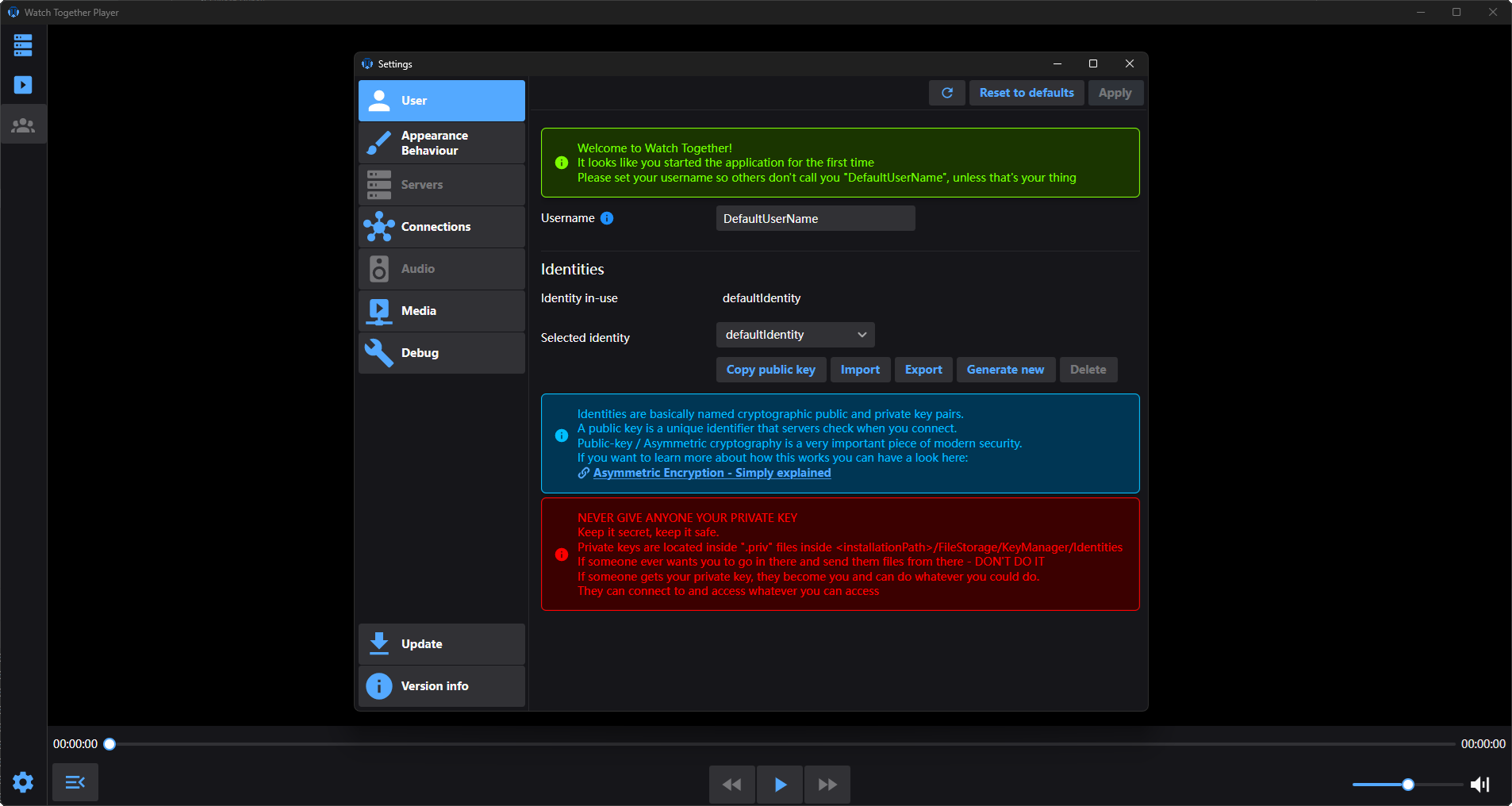
The goal of this project is to allow people in multiple locations to watch any media file together in sync.
Currently only on desktops. (Windows, Linux, Mac)
(Mobile/TV applicaitons are possible)
This is a self-hosted standalone client/server applicaiton written in C# using Avalonia UI and VLC.
Not web-based, a good old desktop application, together with the use of VLC, this allows for playback of pretty much any media file you can find.
Without the limitations of what a given browser supports in terms of codecs.
No transcoding or other processing is happening, the file is simply being streamed across the network and played back as-is.
This does not mean transcoding isn't coming at some point.
Not all devices need to play the 4k version and waste all that bandwidth when all they can display is a much lower resolution.
The server is currently only available through a docker-compose file as it requires a database and that takes care of it.
The documentation and a more verbose description and reasoning (Why not Plex/Jellyfin?, Where is the source code?):
https://docs.watchtogetherplayer.com/introduction.html
If you want to chat about the project, there is a Discord server for it.
(Opening an issue/discussion here is also possible, but it might take a bit longer for me to respond)
The project is under development, more features or updates are coming.
This is a one-man, part-time operation so the speed of change won't be very fast, there are sometimes longer times with no updates.
The project has not yet seen any big stress tests with tens or hundreds of users connecting over the internet to see how it performs.
- Invite system- Create invitations for users to join your server.
- Watch groups - Creation and joining of a synchronized group of users, watching the same media.
- Local media - Possible to watch local media files without a server.
- Custom subtitles - Option to add a custom subtitle file to currently playing media.
- Server-side additional subtitles - Possibility to upload subtitle files.
- Subtitle and audio track choice - Possible to choose for the entire group on play.
- Server media - The server holds your media files.
- Server media library - Movies and Series with seasons, collections of media files with a poster image and title.
- Client playlist - local play list, you can queue available media from the server to play. (You can queue an entire series season)
- Local media sharing - It is possible to share a local file with the server. (Currently no access control)
- Remote media sharing - Downloading media from external websites.
- Admin panel - The place where server owners and administrators decide who has access and what they can watch.
- Play time tracking - When you stop watching and return later, you get the option to continue where you left off. (Server media only)
- Preloading - When you expect a larger group of people, a regular common gigabit connection probably won't be enough to stream to everyone at once. Thus there needs to be a way to preload files in advance and only keep people in-sync while watching.
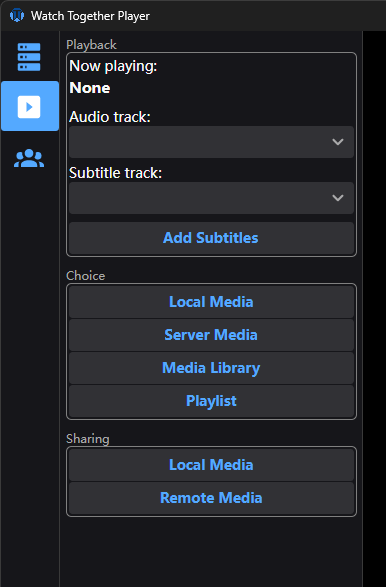
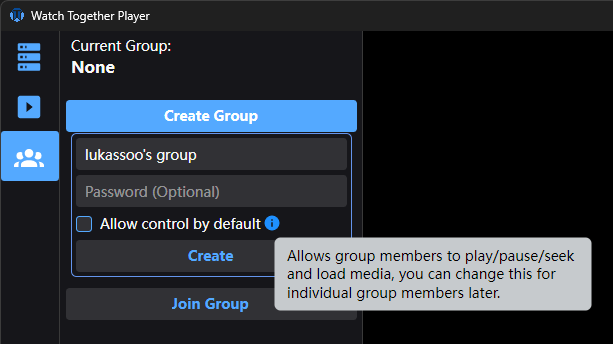
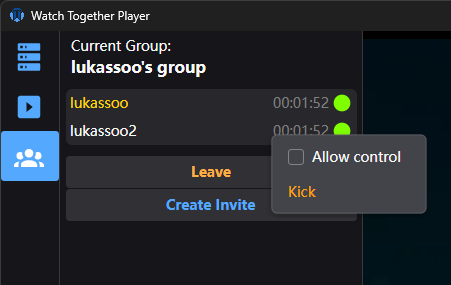
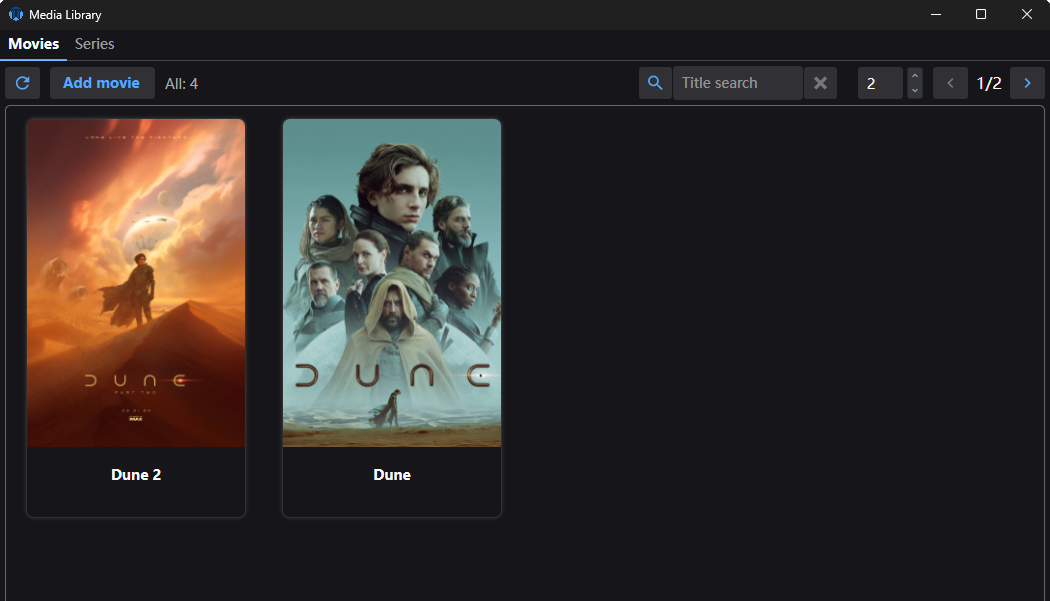
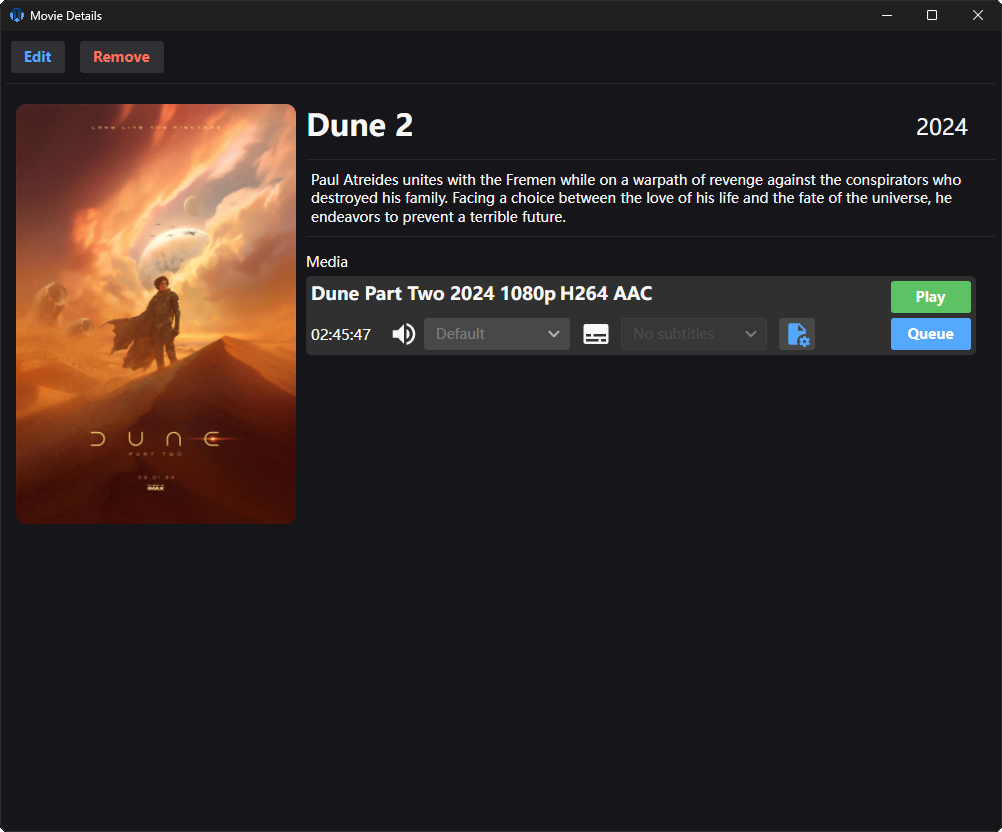
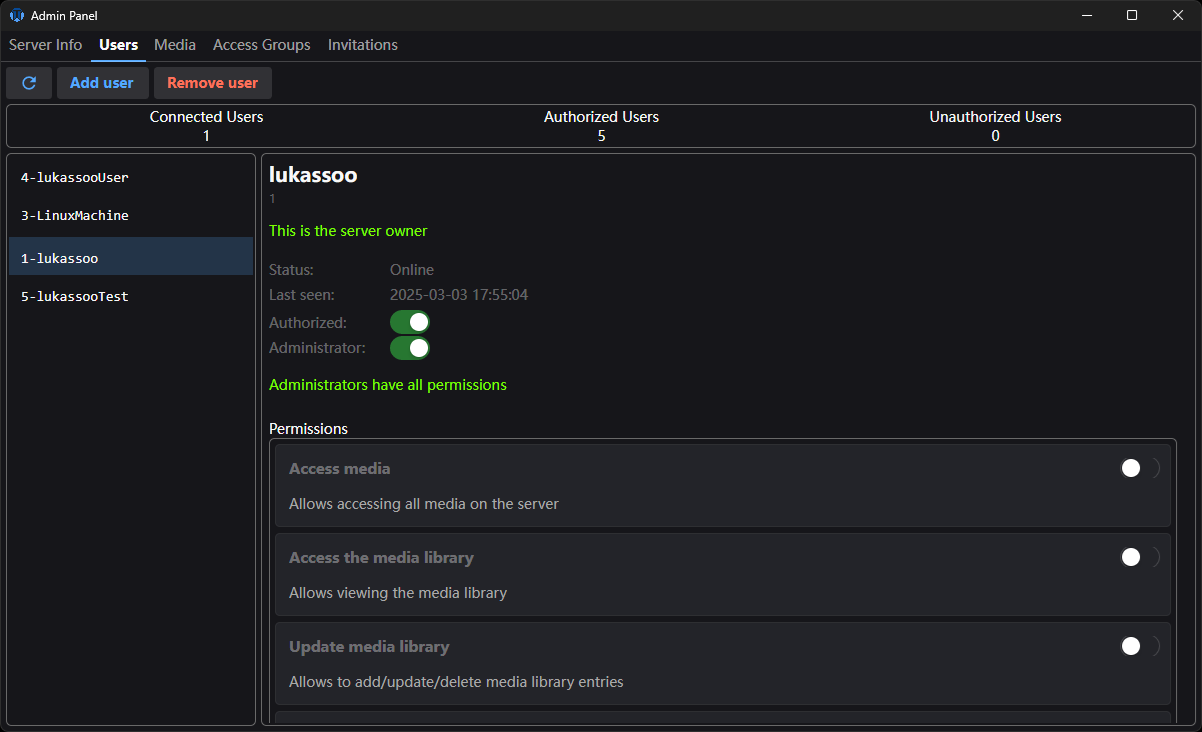
More in the gallery:
https://docs.watchtogetherplayer.com/gallery.html