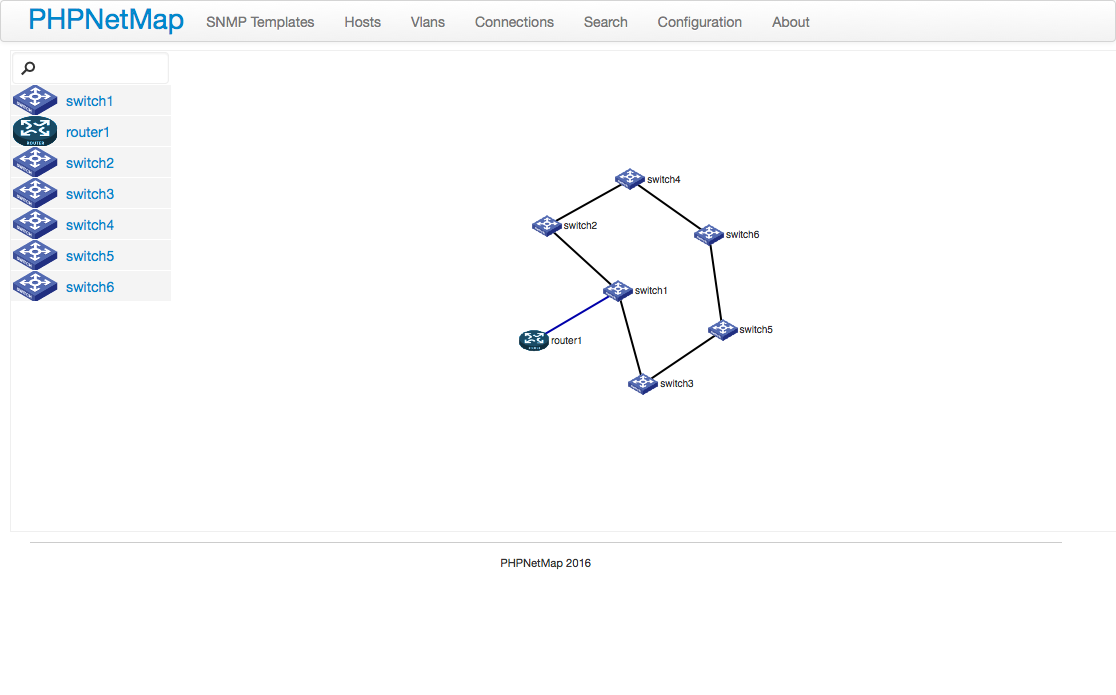
PHP Software for network device monitoring with SNMP v(1/2c/3) protocol. Tested with 3Com/HP, ProCurve, Dell and Extreme devices. Some other models with SNMP support work properly. Framework yii with Bootstrap Colorpicker and CAdvancedArBehavior. Using JavaScript D3 library to the map.
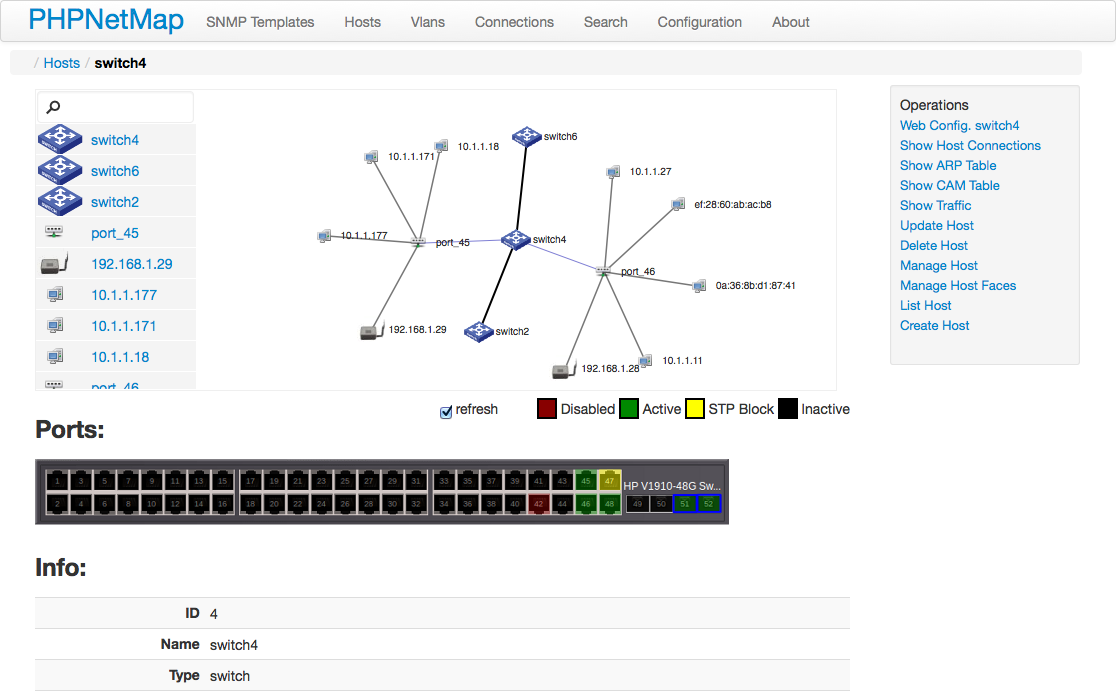
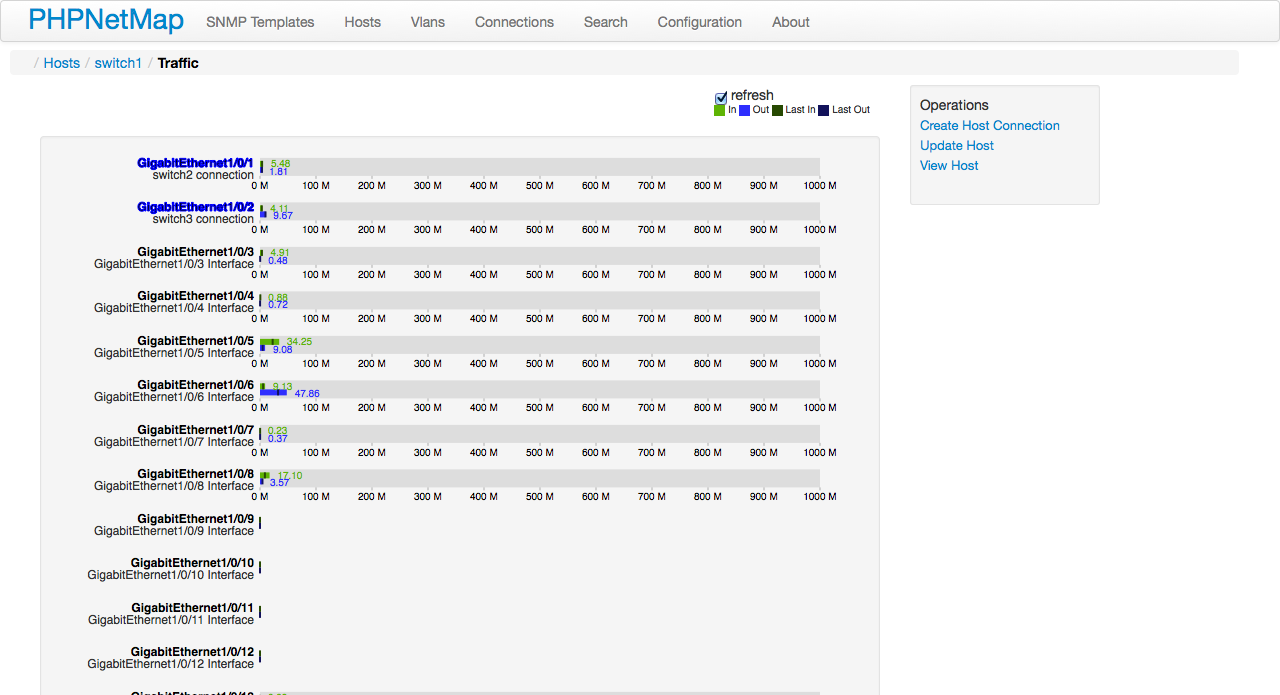
The PHPNetMap shows connected hosts based on the FIB or table CAM switches, and ARP table devices. You can perform searches within these tables in various devices with the Search form. With the map view you can check the connections between hosts and each host there is a screen indicating the port status with their respective connected host. You can see the operating status port and status of the Spanning Tree Protocol on switches with dot1dStpPortState OID. Using an SNMP community with read/write permission you can change the ifAdminStatus or set ifAlias
PHPNetMap also exposes an MCP server at /mcp so AI clients can query — and,
optionally, modify — your network inventory data; enable it and create access
tokens from the Configuration page (see
STANDALONE_INSTALLATION_GUIDE.md for
setup details on a non-Docker install).

I created a Docker image with all the configuration ready for use PHPNetMap,
available in Docker Hub.
With the docker-compose.yml in the project root you can download the image and run
system only with the command docker-compose up within the directory
project. Note server settings to run in production mode (Password in ADMIN_PASSWORD
environment variable, for example). Change the docker-compose.yml as necessary.
curl -ssl https://get.docker.com/ | sh
Create and run a single container
docker run -p 80:80 --name=server1 marcelofmatos/phpnetmap
Open a web browser and access http://<server_ip> or http://localhost if 'docker run' executed in your local machine The HTTP user is 'admin' and password is string set in ADMIN_PASSWORD environment variable. This same ADMIN_PASSWORD value also seeds PHPNetMap's own internal login (used to reach Create/Update/Admin/Delete pages), on top of the HTTP Basic Auth prompt above. That internal account's username is always the literal 'admin', regardless of what ADMIN_USER is set to. Which of these two layers is actually enforced is now chosen from the in-app Configuration screen (admin-only, /config/index), defaulting to the PHPNetMap login.
If you wish run container in other port:
docker run -p 8081:80 --name=server1 marcelofmatos/phpnetmap
And open http://localhost:8081
To manage container:
docker start server1
docker stop server1
Set HTTP user and password:
docker run -p 80:80 --name=server1 -e ADMIN_USER=admin -e ADMIN_PASSWORD=pnm marcelofmatos/phpnetmap
If ADMIN_USER is not set, 'admin' is default value. If ADMIN_PASSWORD is not set, a random value is set and printed on log container.
To show log container
docker logs server1
See more in https://docs.docker.com/engine/getstarted/
The image is built from the Dockerfile in this repository on top of the
official php:7.4-apache base, so it runs on both linux/amd64 and
linux/arm64 (Raspberry Pi, Apple Silicon, ARM servers).
To build it locally for both platforms and push to a registry:
docker buildx build --platform linux/amd64,linux/arm64 \
  -t ghcr.io/marcelofmatos/phpnetmap:dev --push .
To build a single-arch image for the current host and load it locally:
docker build -t phpnetmap .
docker run -p 80:80 phpnetmap
Inspect the published manifest (lists amd64 and arm64):
docker buildx imagetools inspect ghcr.io/marcelofmatos/phpnetmap:latest
Use these comands to install docker-compose
apt-get install python-pip
pip install docker-compose
To run configuration in docker-compose.yml:
docker-compose up
To run especific YML file, like docker-compose-multiple-servers.yml:
docker-compose -f docker-compose-multiple-servers.yml up
The software was tested on Debian and Ubuntu Server with the following installed packages:
- apache2
- libapache2-mod-php5
- php5-snmp
- php5-sqlite
- php-apc
- snmpd
- sqlite3
By default, login is PHPNetMap's own built-in login screen — no Apache
config needed for that. .htaccess/.htpasswd (Basic Auth) is still
available as a legacy option, selectable from the app's Configuration
screen; apache must be configured to read the instructions if you switch to it.