

ShadowClaw is a browser-native AI assistant whose core orchestration, state machine, dynamic context windowing, and tool-execution loop run client-side off the main thread in a Web Worker. Sandboxed local execution uses the just-bash POSIX emulator by default (with optional WebVM Alpine Linux) backed by OPFS storage, with UI reactivity powered by native Web Components and TC39 Signals. Inference routes across in-browser models (defaulting to the Prompt API with polyfill support, alongside LiteRT WebGPU), local servers, and cloud providers, backed by a Node.js control plane and Stateless MCP server connecting over SSE, WebSockets, or WebRTC DataChannels.
Watch a demo: Peer-to-peer Browser Native Agents in action (YouTube)
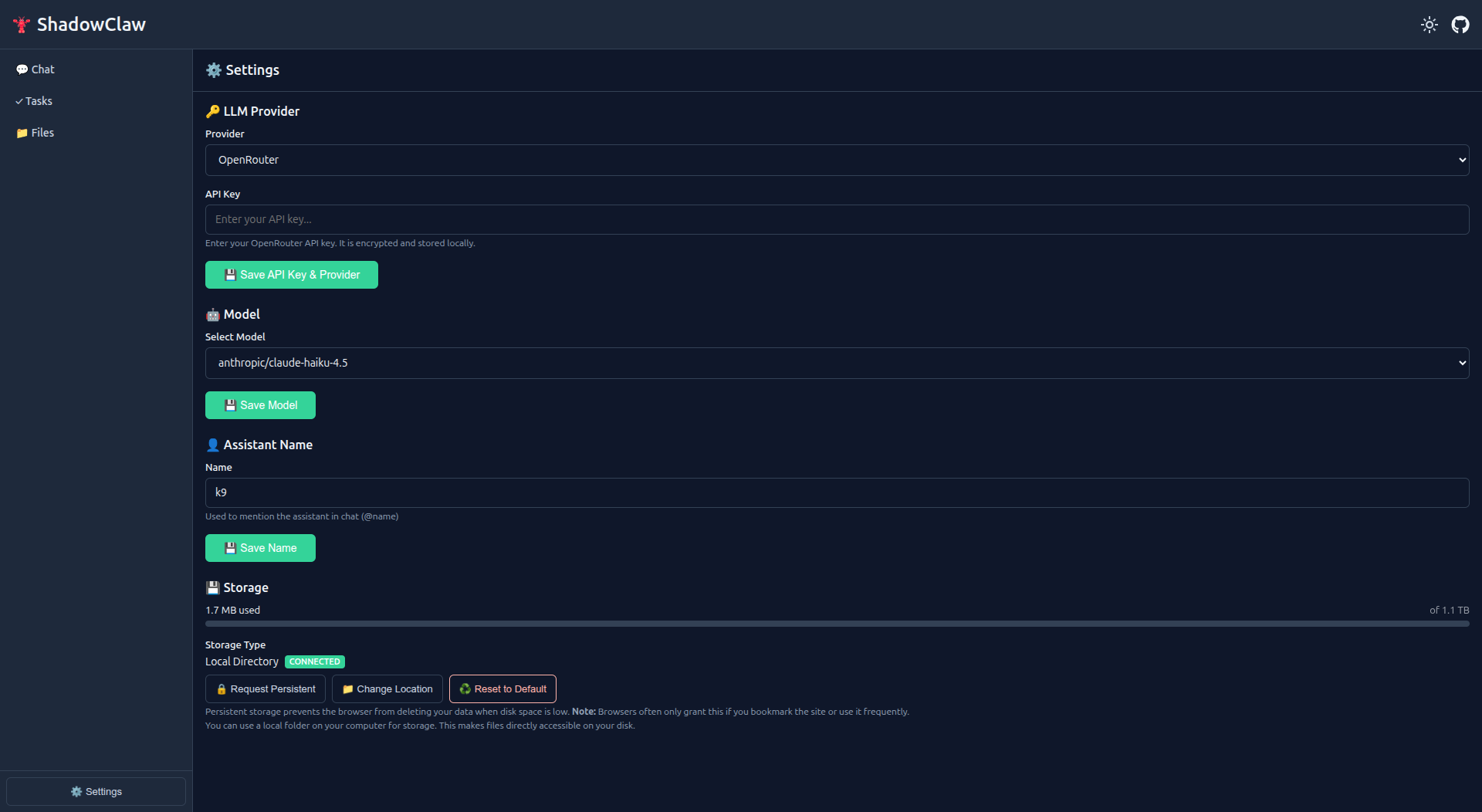
npx shadow-claw dev --openOpen Settings, configure your preferred provider (or run with the default Prompt API), and start chatting.
Create a custom template with pages and site configuration:
npx shadow-claw init my-assistant
cd my-assistant
npx shadow-claw dev --opengit clone https://github.com/xt-ml/shadow-claw.git
cd shadow-claw
npm install && npm run dev # Dev server → http://localhost:8888Desktop App: npm run electron or npm run electron:build for a distributable installer.
- Core Capabilities
- Architecture
- Multi-Conversation Support
- Providers & Models
- Agent Tools & WebMCP
- Conversations & Messaging Channels
- Documentation Index
- Development
- CLI Runtime Commands
- License
- Client-Side Worker Orchestration: The agent decision loop, system prompt building, and tool execution run off the main thread in a dedicated Web Worker to keep the UI smooth and responsive.
- In-Browser Inference by Default: Uses the Prompt API (
window.LanguageModel) by default (DEFAULT_PROVIDER = "prompt_api"). When native support is not present, integrated polyfills (prompt-api-polyfillandbuilt-in-ai-task-apis-polyfillsbacked by Transformers.js / ONNX) enable cross-browser execution. - Multi-Model Routing: Route queries to Cloud providers (OpenRouter, Anthropic, Gemini, AWS Bedrock), local engines (Ollama, Llamafile, Transformers.js), or in-browser WebGPU models (LiteRT-LM).
- Sandboxed Execution & Storage: Client-side compute via sandboxed JavaScript and the default
just-bashPOSIX shell emulator (with optional WebVM Alpine Linux), backed by Origin Private File System (OPFS) and IndexedDB namespaced per deployment subpath. - PWA & Electron Desktop Parity: Deployable as a progressive web app with Service Worker and Web Push, or as a native desktop application with full feature parity.
- Control Plane, CLI & Native MCP Server: Backed by a Node.js service layer and CLI (
shadow-claw) that provides background cron scheduling, remote backups, direct WebRTC DataChannel connectivity, and a Stateless MCP server featuring both native server management tools and dynamic browser tool relaying to external agent hosts (Claude Desktop, Cursor, Goose).
ShadowClaw follows a worker-isolated runtime pattern:
┌─────────────────────────────────────────────────────────────┐
│             Web Components (Chat, Files, Tasks)             │
└──────────────┬──────────────────────────────┬───────────────┘
               │                              │
               ▼                              ▼
┌────────────────────────────┐   ┌────────────────────────────┐
│ Orchestrator (State+Queue) │   │ Service Worker (PWA, Push) │
└──────┬──────────────┬──────┘   └────────────────────────────┘
       │              │
       │              └────────────────────────┐
       ▼                                       ▼
┌────────────────────────────┐   ┌────────────────────────────┐
│ Agent Worker (LLM+Tools)   │   │ Storage (IndexedDB + OPFS) │
└──────┬──────────────┬──────┘   │ Messages, Config, Files    │
       │              │          └────────────────────────────┘
       ▼              ▼
┌────────────┐  ┌────────────┐
│ Providers  │  │ Tool Exec  │
│(OpenRouter,│  │(Bash, Git, │
│Bedrock,etc)│  │Files, etc) │
└────────────┘  └────────────┘
Key design principles:
- Agent in Web Worker — LLM calls, tool execution, and WebVM all run off-main-thread to keep the UI responsive.
- Message-based protocol — Strict
postMessageboundaries between the main thread and worker. - Reactive signals — TC39 Signals (via
signal-polyfill) drive all UI updates. - Storage isolation — Each conversation gets a dedicated workspace (
shadowclaw/<groupId>/workspace/); shared configuration lives in IndexedDB.
Full architecture docs: See System Overview and Worker-Isolated Agent Runtime for orchestrator state machine, worker protocol, storage system, context management, and streaming.
Each conversation has:
- Independent chat history and token-aware context windowing
- Isolated file workspace in OPFS with clipboard safeguards and conflict resolution
- Scheduled tasks and cron automations
- Editable
MEMORY.md(loaded automatically as system context) - Optional per-conversation tool tagging and declarative tool overrides
- Optional per-conversation pinned provider/model and token budget limits
- Accessible sidebar with drag-and-drop reordering, clone support, and unread indicators
Last-active conversation persists across reloads. On first launch, a default "Main" conversation is auto-created.
Full guide: docs/architecture/orchestrator.md
ShadowClaw supports multiple LLM providers with a unified adapter pattern:
| Category | Examples | Notes |
|---|---|---|
| Browser | Prompt API (window.LanguageModel), LiteRT |
Default provider (prompt_api) with polyfill support; LiteRT WebGPU |
| Local | Ollama, Llamafile, Mesh LLM, Transformers.js | Runs on local server or in-browser |
| Cloud | OpenRouter, OpenAI, Anthropic, Google Gemini, AWS Bedrock, Vertex AI | API key required |
Provider Highlights:
- Prompt API Default & Polyfill Fallbacks: Uses
prompt_apiby default. When nativewindow.LanguageModelis absent, built-in polyfills (prompt-api-polyfillandbuilt-in-ai-task-apis-polyfillsbacked by Transformers.js / ONNX) enable execution across browsers. - Hardware Feature Probing & Fallbacks: Probes WebGPU adapter capabilities (
shader-f16), retries during downloads, and dynamically falls back to WebAssembly CPU (device: "wasm",dtype: "q4") if WebGPU initialization fails or software emulation is detected. - Polyfill Model Cache: Service Worker
CacheFirstcaching strategy stores Hugging Face polyfill model binaries (.onnx,.onnx_data) for offline performance. - Streaming & Resilience: Streaming responses across OpenAI and Anthropic formats; adaptive rate limiting with
retry-afterhandling and 30-second auto-closing, ARIA-accessible countdown dialogs for fatal errors and throttling. - Model Registry: Dynamic metadata fetch (context window, modality support, tool support).
Setup & details: docs/guides/adding-a-provider.md | docs/subsystems/providers.md
The agent has access to 50+ tools including:
| Category | Tools |
|---|---|
| Files | read_file, write_file, patch_file, delete_file, move_file, copy_file, create_directory, list_files, open_file, attach_file_to_chat, send_file, search_files, diff_files |
| Shell | bash (default just-bash emulator, optional WebVM) |
| Built-in AI | summarize_text, write_text, rewrite_text, proofread_text, detect_language, translate_text (defaults to Active Conversation LLM backend with opt-in local browser Task API polyfill) |
| Git | git_clone, git_init, git_add, git_unstage, git_commit, git_push, git_pull, git_fetch, git_merge, git_diff, and more |
| Web | fetch_url, fetch_file, web_search (DuckDuckGo via configurable CORS search proxy and URL templates) |
| Compute | javascript (sandboxed) |
| Agents | spawn_subagent (parallel task delegation), ask_user (human-in-the-loop pause) |
| Time | get_current_time (ISO 8601 or IANA timezone) |
| Tasks | create_task, list_tasks, update_task, delete_task, enable_task, disable_task, run_task |
| UI | show_toast, send_notification, clear_chat |
| Context | update_memory (edits MEMORY.md) |
| Remote | remote_mcp_list_tools, remote_mcp_call_tool (external MCP servers) |
manage_email, email_read_messages, email_send_message |
|
| Rooms | create_room, invite_to_room, leave_room, list_room_members |
| A2UI | list_components, render_component |
When running in browsers supporting the Model Context Protocol (or via @mcp-b/webmcp-polyfill), ShadowClaw automatically registers its tool catalog on document.modelContext with normalized input schemas across Chrome versions and signal-based abort handling, routing tool execution safely through the Web Worker.
Full reference: docs/subsystems/tools.md | docs/subsystems/webmcp.md
ShadowClaw supports four messaging channels by default:
br:— In-browser chatim:— iMessage bridgepeer:— PeerJS WebRTC (includes Peer Rooms for multi-agent collaboration)tg:— Telegram Bot API
Each channel creates isolated conversations with their own message history and workspace.
Setup & architecture: docs/guides/configuring-messaging-channels.md (setup) | docs/subsystems/channels.md (architecture + custom channels)
Comprehensive architectural specifications, subsystem deep-dives, step-by-step guides, and ADRs live in docs/:
- Architecture: System Overview · Orchestrator & State Machine · Worker Protocol · Storage System · Context Management · Streaming
- Subsystems: Shell Emulator · WebVM · Git Integration · Channels · Tools & Profiles · Providers & Model Registry · Notifications & Scheduling · Electron Desktop · Reactive UI & Web Components · Remote MCP · Stateless MCP Server · WebMCP · Crypto & Secrets · Control Plane · Pages System · Agent Skills · Security Hardening · File Backup · Web Share Target · OpenAPI
- Guides: Adding a Provider · Adding a Tool · Adding a Shell Command · Adding a UI Page · Adding a Channel · Protocol-Agnostic Integrations · Service Accounts & Credentials · Configuring Messaging Channels · Server Development Configuration · Publishing to GitHub Pages
- Decisions: ADRs on Bundled TypeScript Architecture, Native Web Components and Signals, Worker-Isolated Agent Runtime, IndexedDB and OPFS Storage, and Peer-to-Peer Protocol (A2A via AGUI)
- Agent Conventions: Architectural guardrails and conventions for AI coding agents
- E2E Testing Architecture: Playwright fixtures, page objects, and feature-gated testing
npm run dev                  # Dev server (watch mode on http://localhost:8888)
npm run dev -- --https       # Dev server with opt-in HTTPS (auto-generates self-signed cert)
npm start                    # Express server
npm test                     # Jest (*.test.ts files live next to source)
npm run storybook            # Storybook component workbench (port 6006)
npm run build:storybook      # Build static Storybook documentation to dist/storybook
npm run build:lib            # Build reusable ESM library and TypeScript declarations to dist/lib
npm run e2e                  # Playwright E2E tests (e2e/*.test.ts)
npm run e2e:install          # Install Playwright browser binaries
npm run tsc                  # Full TypeScript type-check across all workspaces
npm run build                # Bundle application via Rolldown + generate service worker
npm run build:service-worker # Generate the Workbox service worker
npm run build:prod           # Production bundle build
npm run format               # Prettier
npm run electron             # Launch Electron desktop app
npm run electron:build       # Build Electron distributable
npm run electron:build:win   # Build Electron for Windows
npm run electron:build:mac # Build Electron for macOSThe shadow-claw CLI connects to a running server or browser clients to interact with active sessions:
npx shadow-claw clients                              # List connected browser/Electron clients
npx shadow-claw send "your prompt" --client <id>     # Send a message to a connected client
npx shadow-claw tasks --client <id>                  # List scheduled tasks on a client
npx shadow-claw backup                               # Trigger OPFS workspace backup
npx shadow-claw backup list                          # List available backup snapshots
npx shadow-claw backup delete --backup-id <id>       # Delete a backup snapshot
npx shadow-claw mcp                                  # Run official Stateless MCP server (STDIO)
npx shadow-claw server --tmp                         # Run services with temporary directory cache (/tmp/shadow-claw)
npx shadow-claw server --cache-dir <dir>             # Run services with custom cache directory
npx shadow-claw webrtc listen                        # Start headless WebRTC DataChannel daemon
npx shadow-claw peer-id                              # Get or generate persistent CLI Peer ID
npx shadow-claw skills:index                         # Generate or update .well-known/agent-skills/index.json
When launching dev, run, serve, or server without an existing cache, ShadowClaw prompts interactively to select between .cache, tmpdir(), or a custom path (skip prompting via --tmp, -y, --cache-dir <dir>, or SHADOWCLAW_CACHE_DIR).
Commands support --transport webrtc for direct peer-to-peer DataChannel execution with connected browser clients. Control plane authentication automatically resolves tokens across flags, environment variables (SHADOWCLAW_CONTROL_TOKEN), system temporary directory (tmpdir()), parent directories, and SQLite with automatic fallback retry on 401 Unauthorized errors, and supports HTTPS endpoints via --https (and --insecure for self-signed certs).
Full CLI reference: docs/subsystems/cli.md
AGPLv3. Core logic derived from openbrowserclaw (MIT).